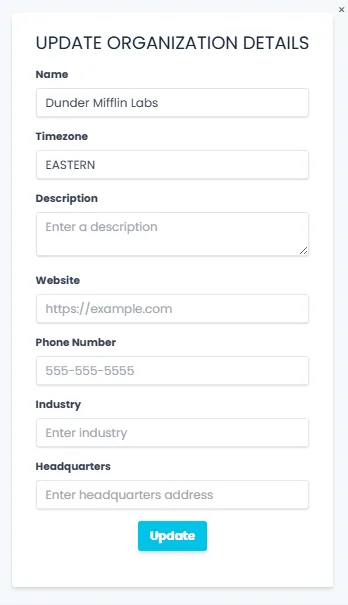
This step-by-step guide shows how to update your organization's saved information in Qlutch. By accessing the Admin panel via the top-right Hamburger Menu, users can modify fields such as name, timezone, website, phone number, and more.
Guide date: 2025-08-07
Change saved details showing up for your organization.
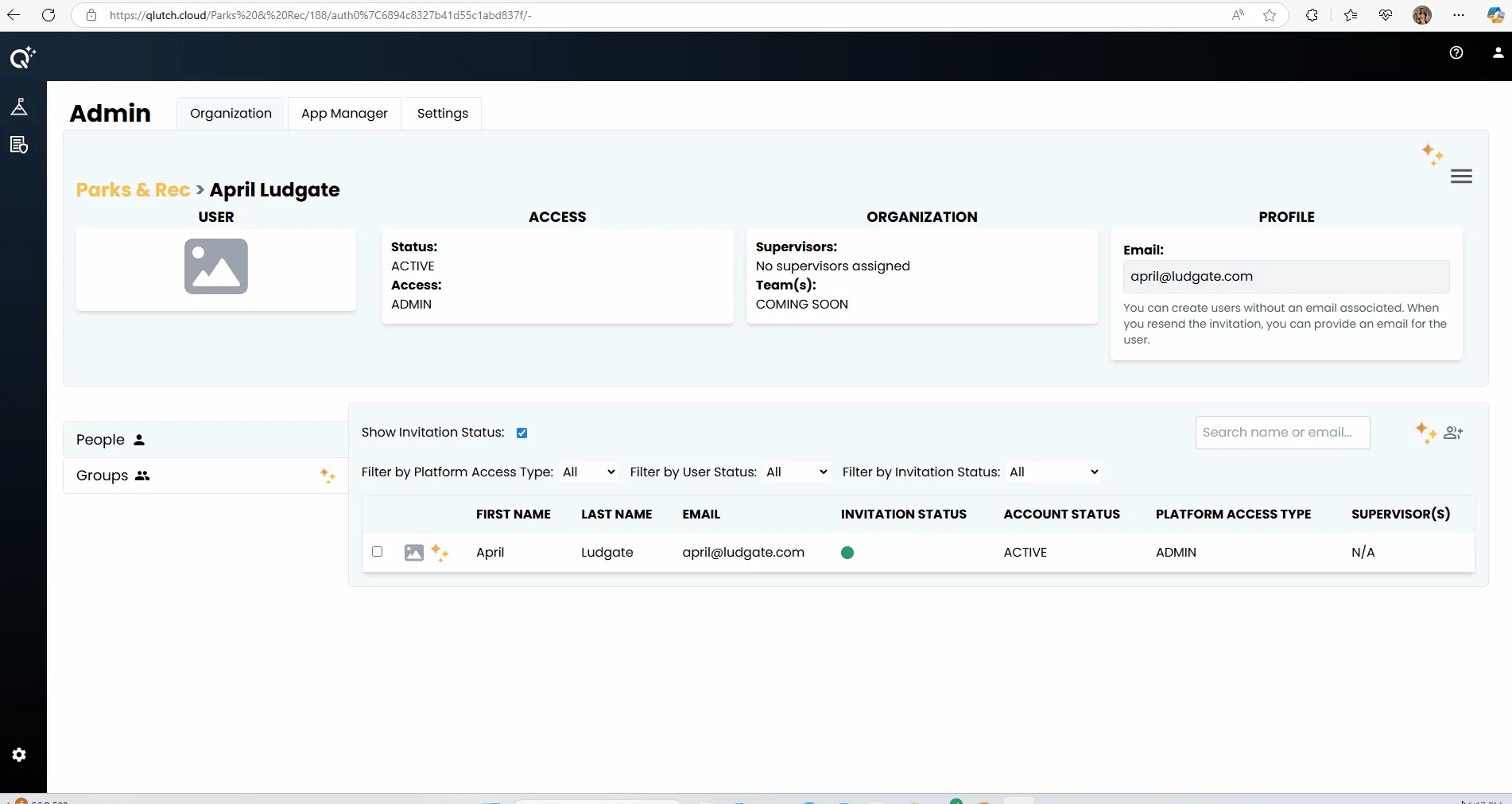
1. Click the Hamburger Menu in the top right corner:
Note: Your organization info must be selected in order for the right menu to appear. If the organization info is not showing, click your organization's name in the breadcrumbs in order to pull it up.