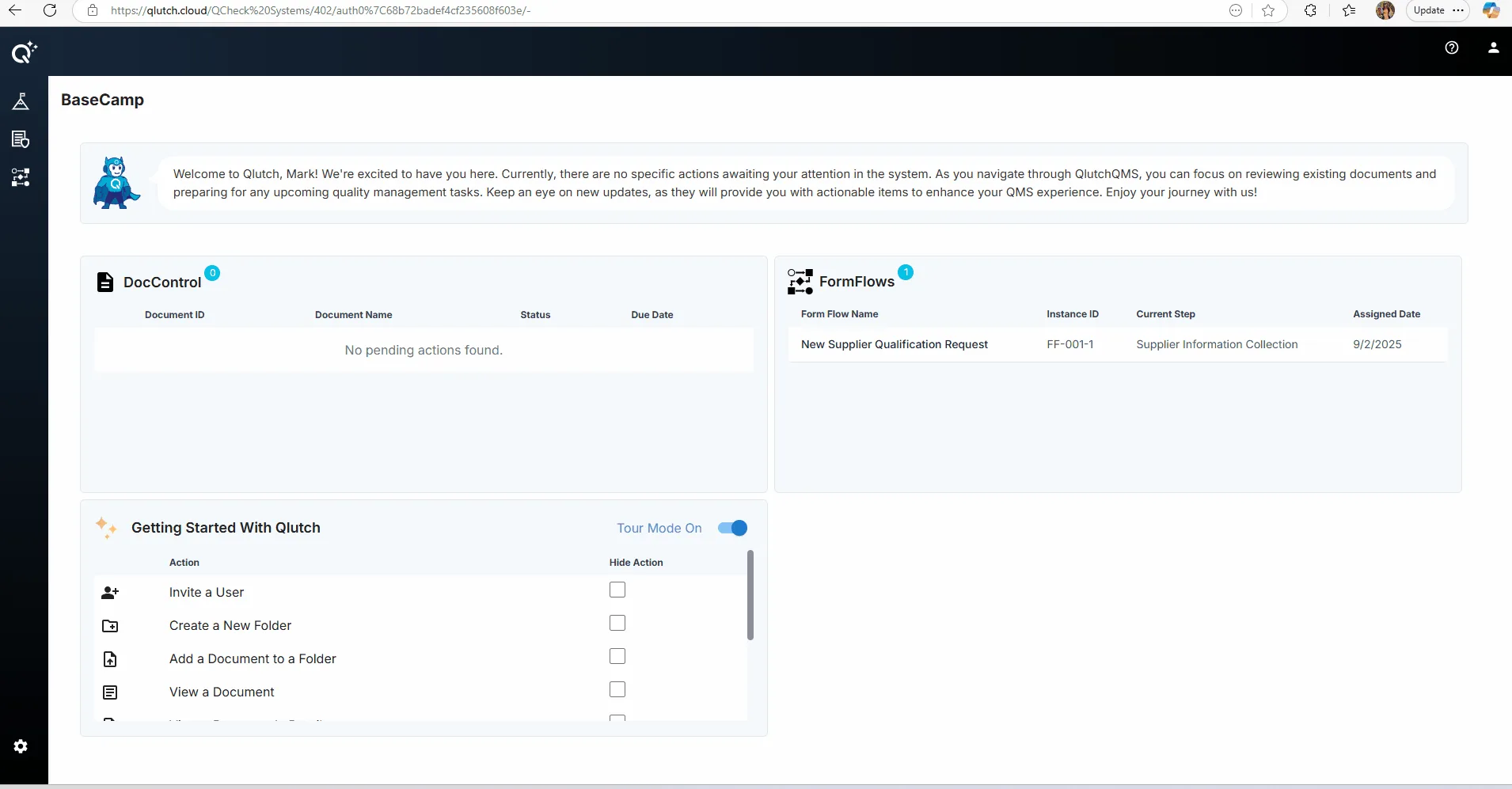
Click the DocControl icon in the top left corner to navigate to the DocControl app.
Note: Each user must have an active license to access the DocControl App. Users without a license will not see the DocControl icon or be able to enter the app.

QLUTCH QMS
This guide explains how to access the DocControl app in Qlutch by clicking the DocControl icon located in the top-left corner of the interface.
Note: Each user must have an active license to access the DocControl App. Users without a license will not see the DocControl icon or be able to enter the app.