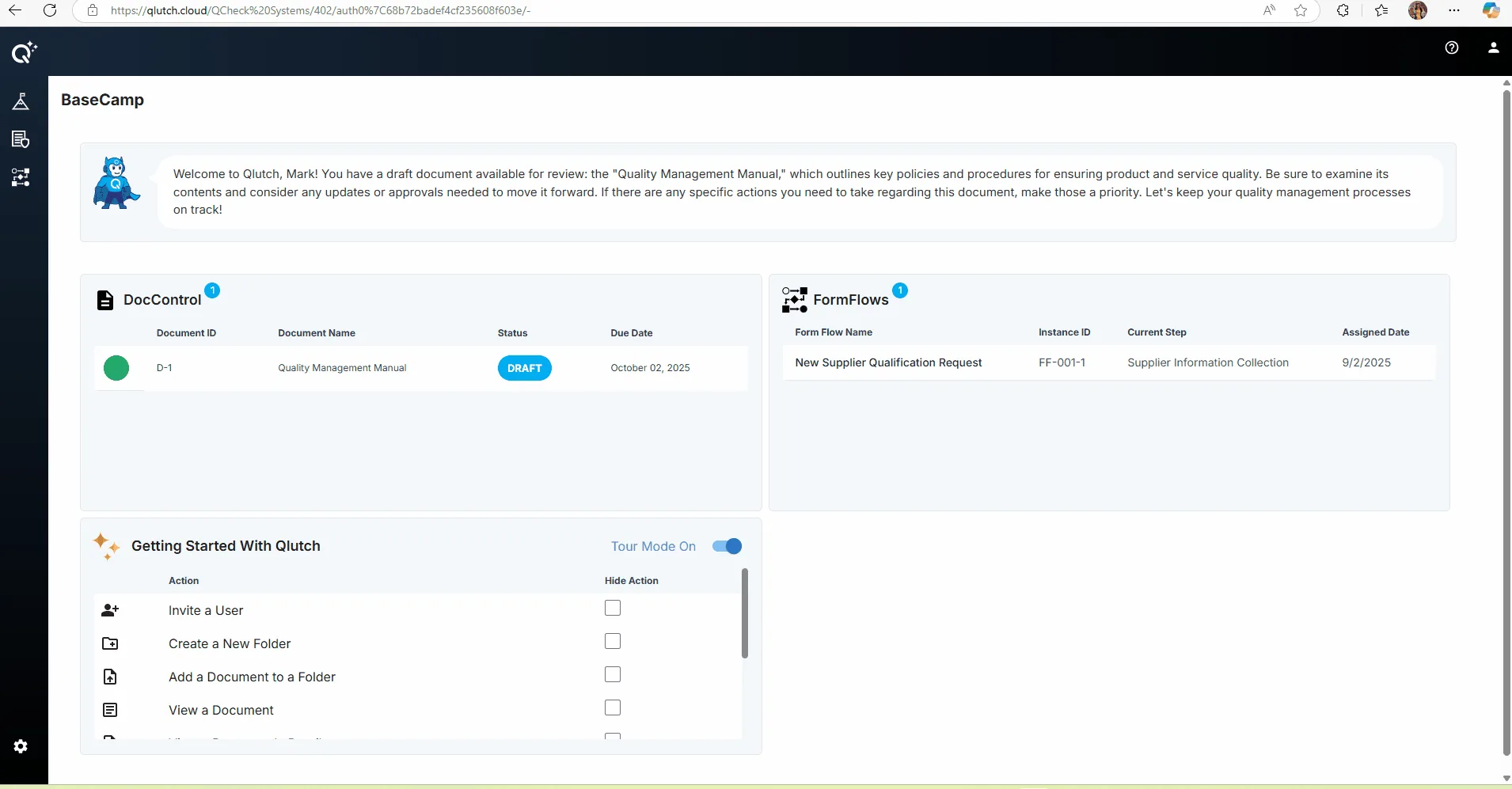
Click the Admin icon in the bottom left corner to navigate to Admin module.
Note: A User must be assigned Admin Access in order for the Admin icon to appear.
QLUTCH QMS
This guide explains how to access the Admin module in Qlutch by clicking the Admin icon located in the bottom-left corner of the interface. It also notes that only users with assigned Admin access will see this icon, ensuring secure and role-based navigation.
Note: A User must be assigned Admin Access in order for the Admin icon to appear.