This step-by-step guide walks through how to launch and complete a FormFlow instance in Qlutch. It includes instructions for launching from either the Templates or Instances page and completing steps in BaseCamp.
Guide date: 2025-09-30
Learn how to launch a new FormFlow instance and complete assigned tasks directly within Qlutch—from both the Templates and Instances pages, all the way through to BaseCamp task completion.
Overview:
Once a FormFlow has been published and marked as Effective, authorized users can launch a new instance and have users complete the steps assigned to them. This ensures your workflows are executed in a timely and traceable way. The launch process is quick, and tasks automatically appear in BaseCamp for assignees to complete.
Step 1: Launch a FormFlow Instance
There are two ways to launch a new instance of a FormFlow:
From the Templates Page:
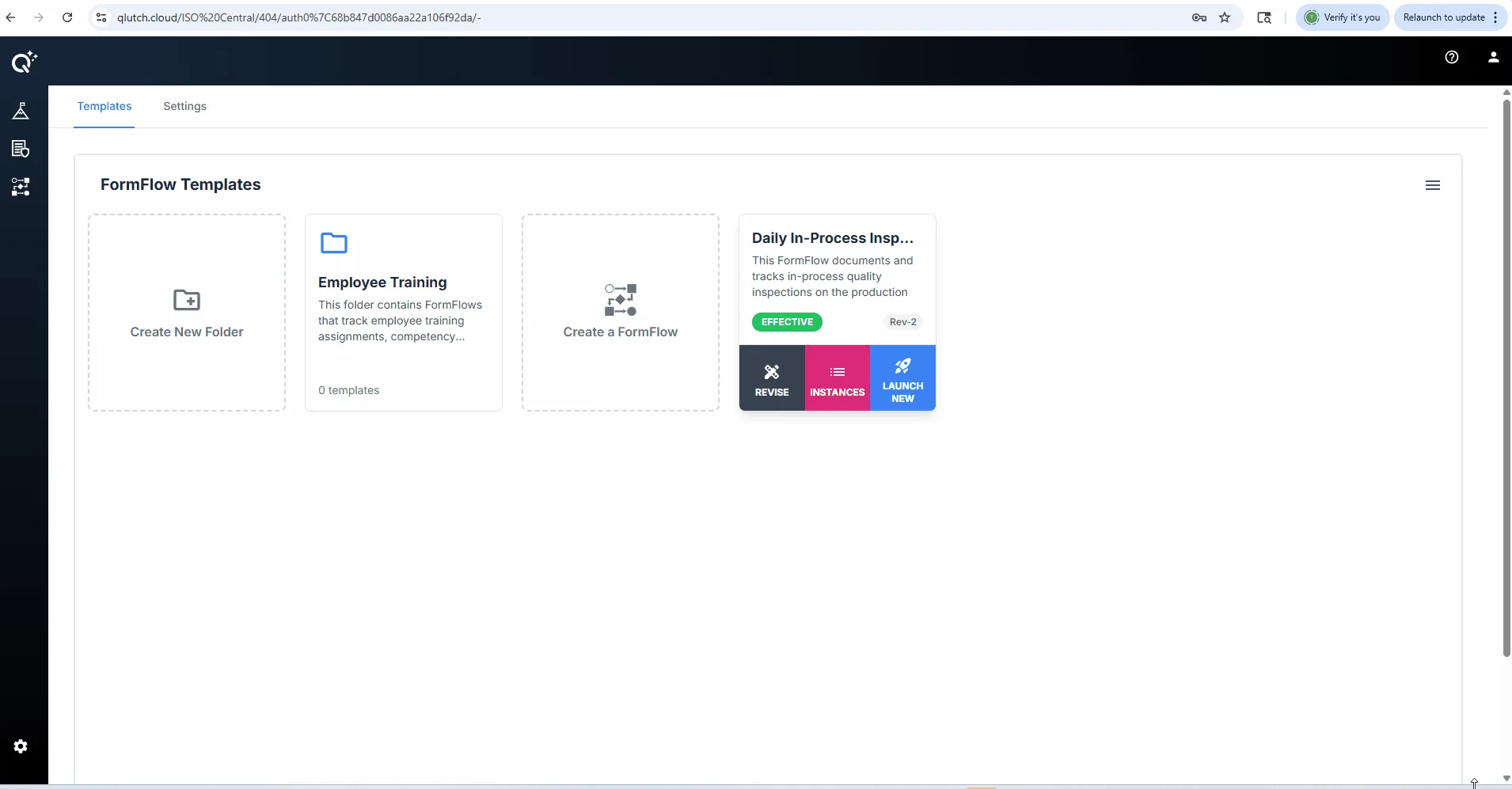
Navigate to the Templates tab, find the FormFlow card, and click Launch New.
From the Instances Page:
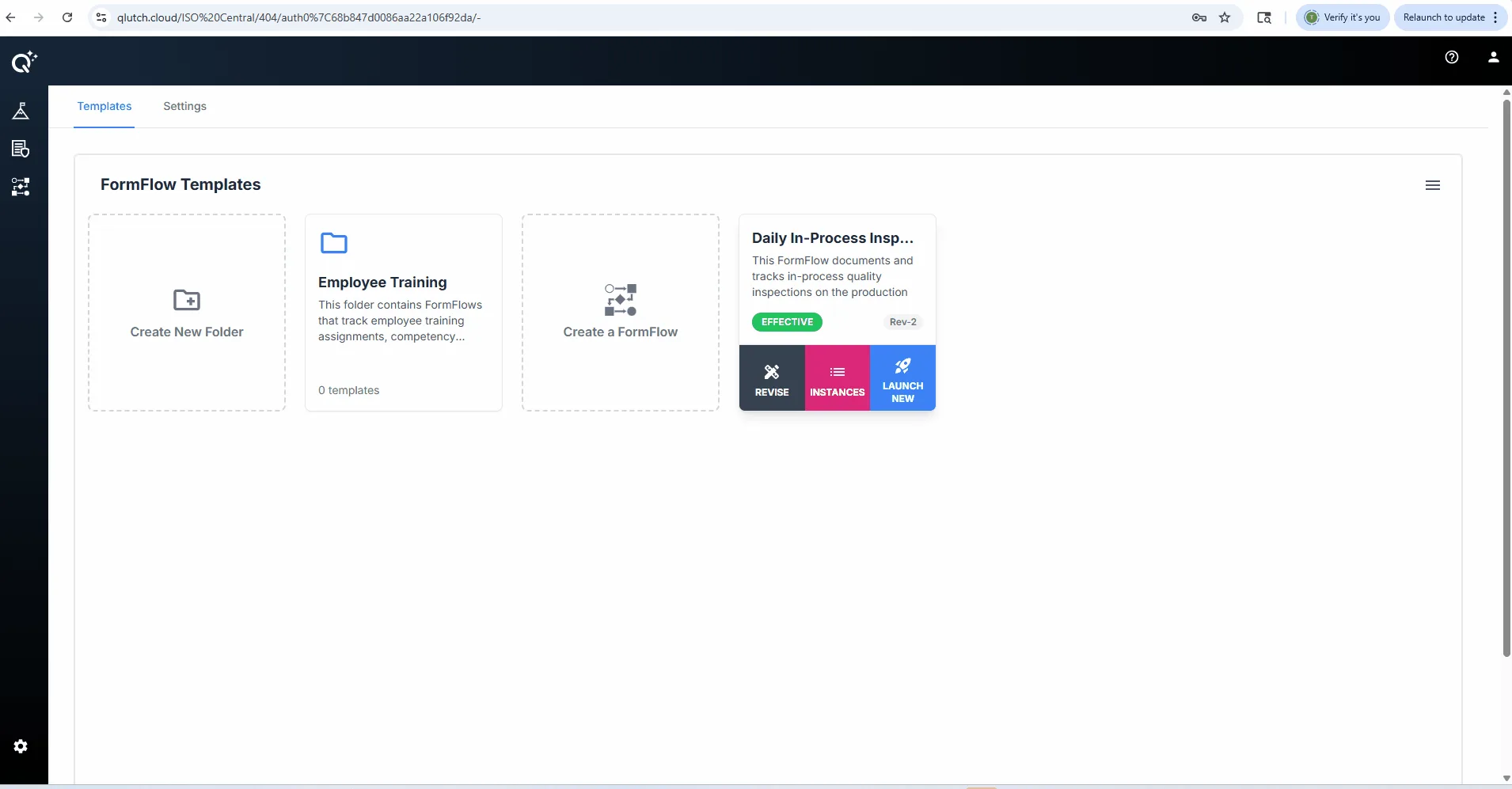
Click Instances on the FormFlow card, then click Launch New from the top of the list view.
Step 2: Locate Assigned Tasks in BaseCamp
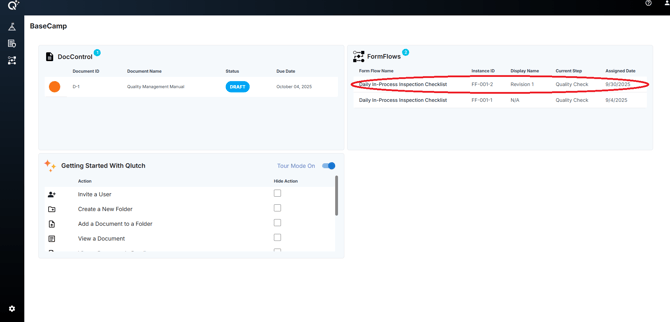
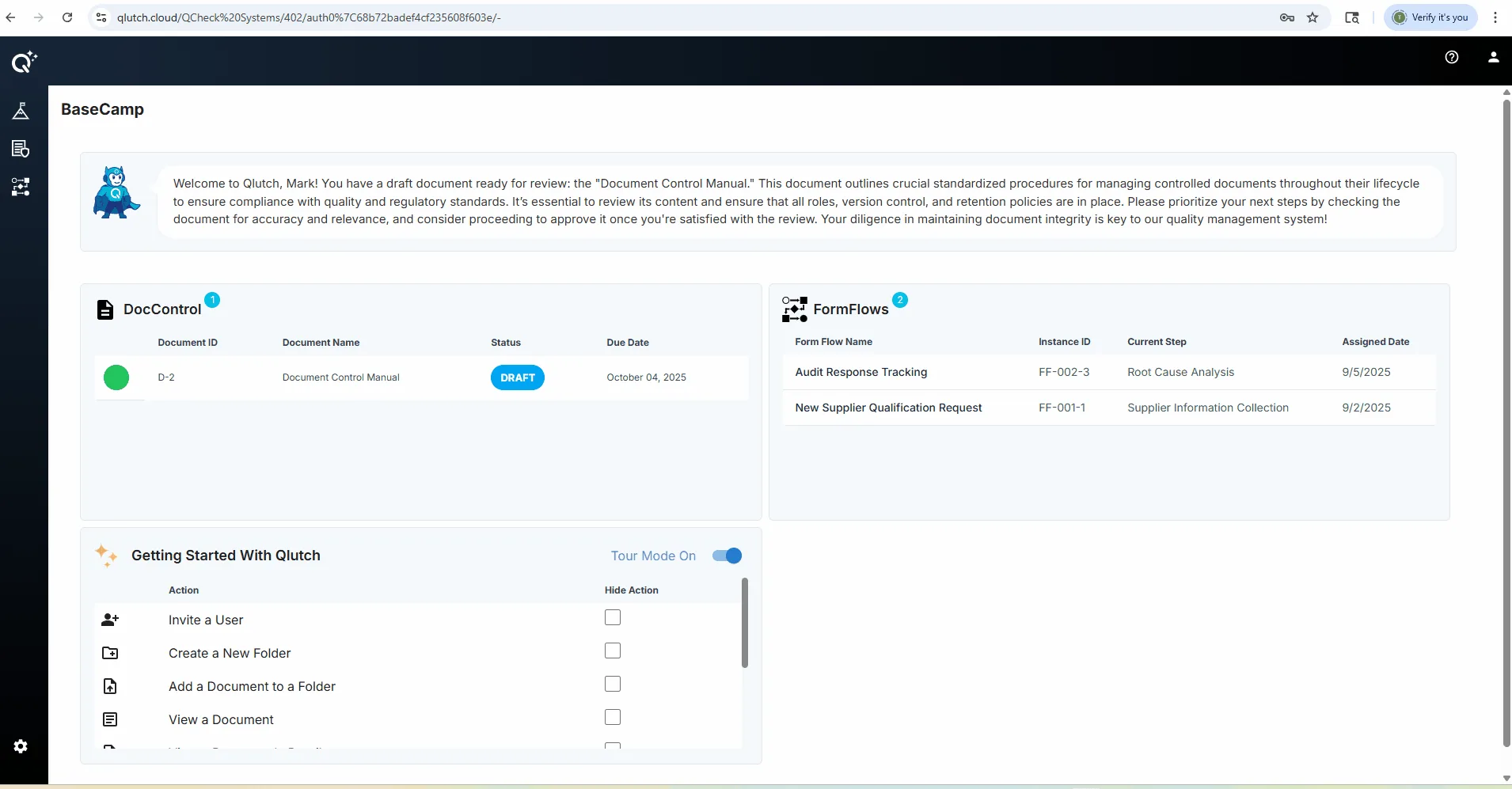
Once a FormFlow instance is launched, assigned users will see their task(s) in BaseCamp.
Step 3: Complete Assigned Steps
Follow the instructions to complete all required steps.
Click submit to advance the FormFlow to the next step or assignee.
Quick Tips:
Only users designated as Launchers can start a FormFlow.
Task visibility is limited to the Step Assignees.
Once submitted, the task moves forward automatically to the next step in the flow.