Check availability before changing AI settings.
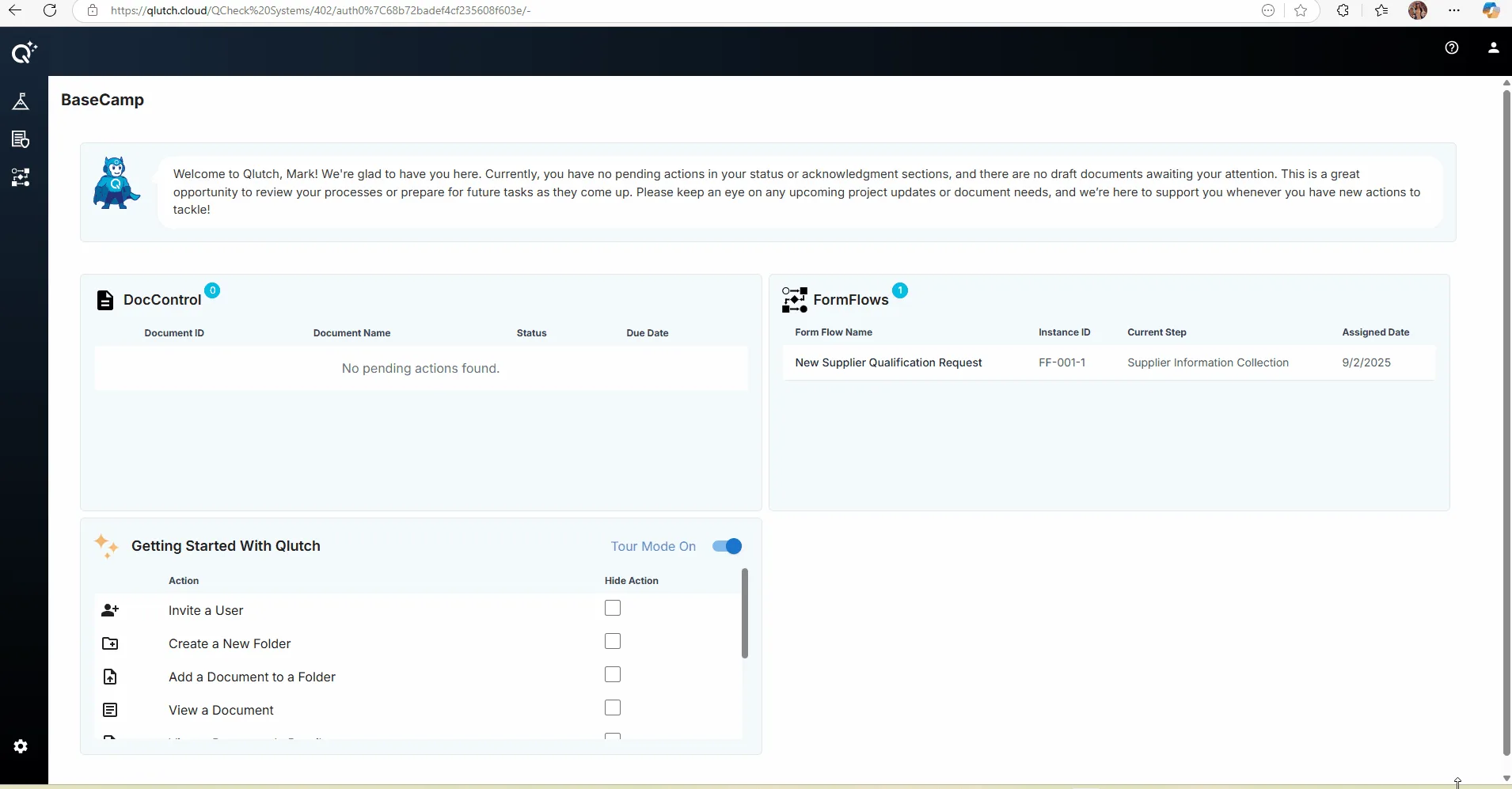
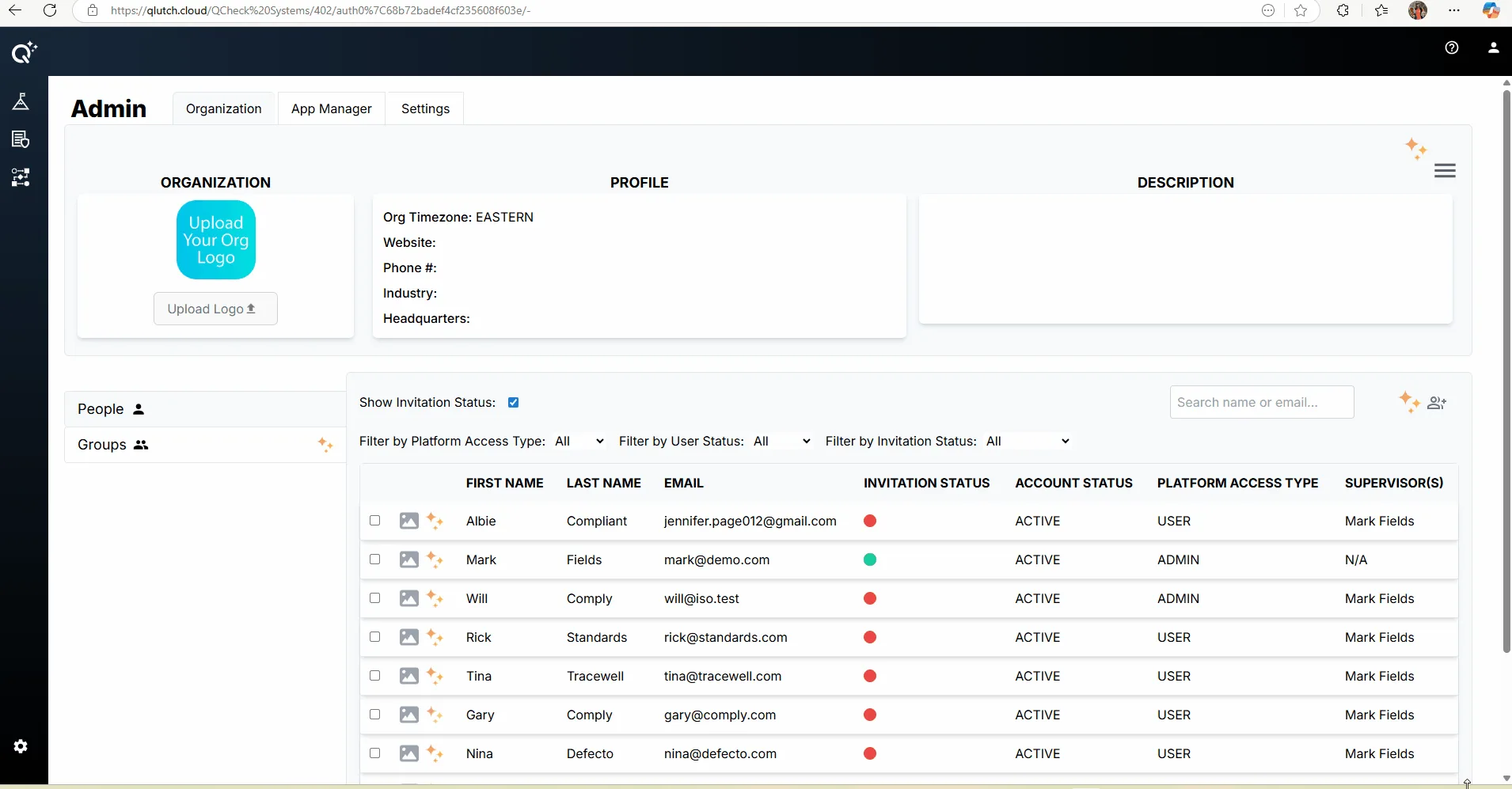
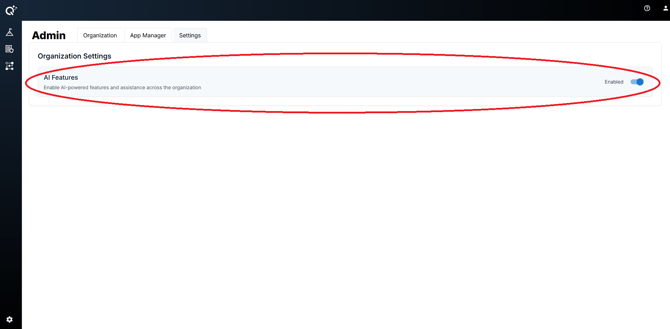
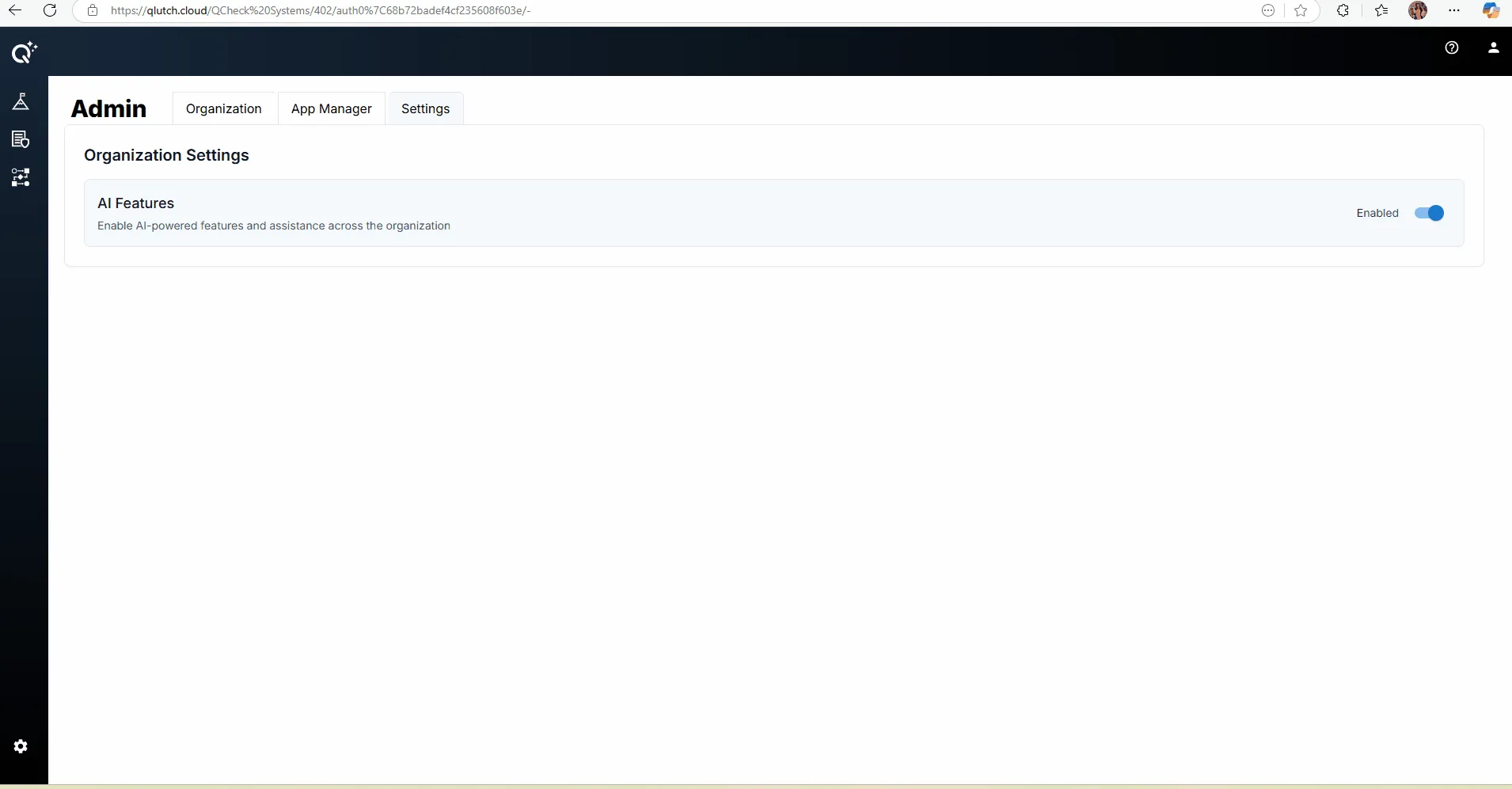
Use this guide to discuss AI settings with your organization’s Qlutch administrator. The earlier guide illustrated an AI Features control under Admin → Settings. Its screenshots do not confirm which controls or features are available in your organization today.
AI availability, defaults and permissions need confirmation for your organization. If the control is absent or you cannot access it, contact Qlutch Support before proceeding.
Review the organization’s controls.
- Confirm authority and scope. Ask your administrator which AI features are available, who can change them, and whether the setting applies to the whole organization.
- Find the current setting. If your organization exposes the illustrated control, open Admin, then Settings, and look for AI Features. Compare the current screen with the dated illustrations below.
- Review the decision before making a change. Confirm the organization’s approved use cases and data-handling requirements. Check the setting’s current state; do not assume a new organization starts with AI enabled.
- Follow the current interface and verify the result. An authorized administrator can use the available control and any confirmation or save action shown. Confirm the resulting state in the interface and check which assistance is available to affected users. Ask Support if the effect is unclear.
Earlier navigation and control illustrations
Confirm what a setting change does.
Before relying on the setting, ask which tasks it controls, when a change takes effect, and how it affects existing generated content. Disabling a feature should not be assumed to delete previously processed data or change a provider’s retention policy.
Use the AI features availability and review guide for questions about data handling and human review. Confirm current answers with Qlutch Support and the organization’s responsible reviewers.
Communicate and review.
- Tell affected users the approved scope and who can answer questions.
- Use an approved, non-sensitive example to check the available assistance.
- Compare generated output with its source before using it in a document, decision or quality record.
For a general voluntary risk-management reference, see the NIST AI Risk Management Framework. It does not verify Qlutch feature availability or data-handling terms.