FormFlows now includes a library of 20 Prebuilt Templates. Learn how to access these ready‑made workflows when creating a new FormFlow template and how to customise them to suit your processes.
Guide date: 2025-10-06
Using FormFlow Prebuilt Templates makes it much faster to get your processes up and running—simply pick a template, tweak the steps and fields, and start using your workflow right away.
1. Access the FormFlows App
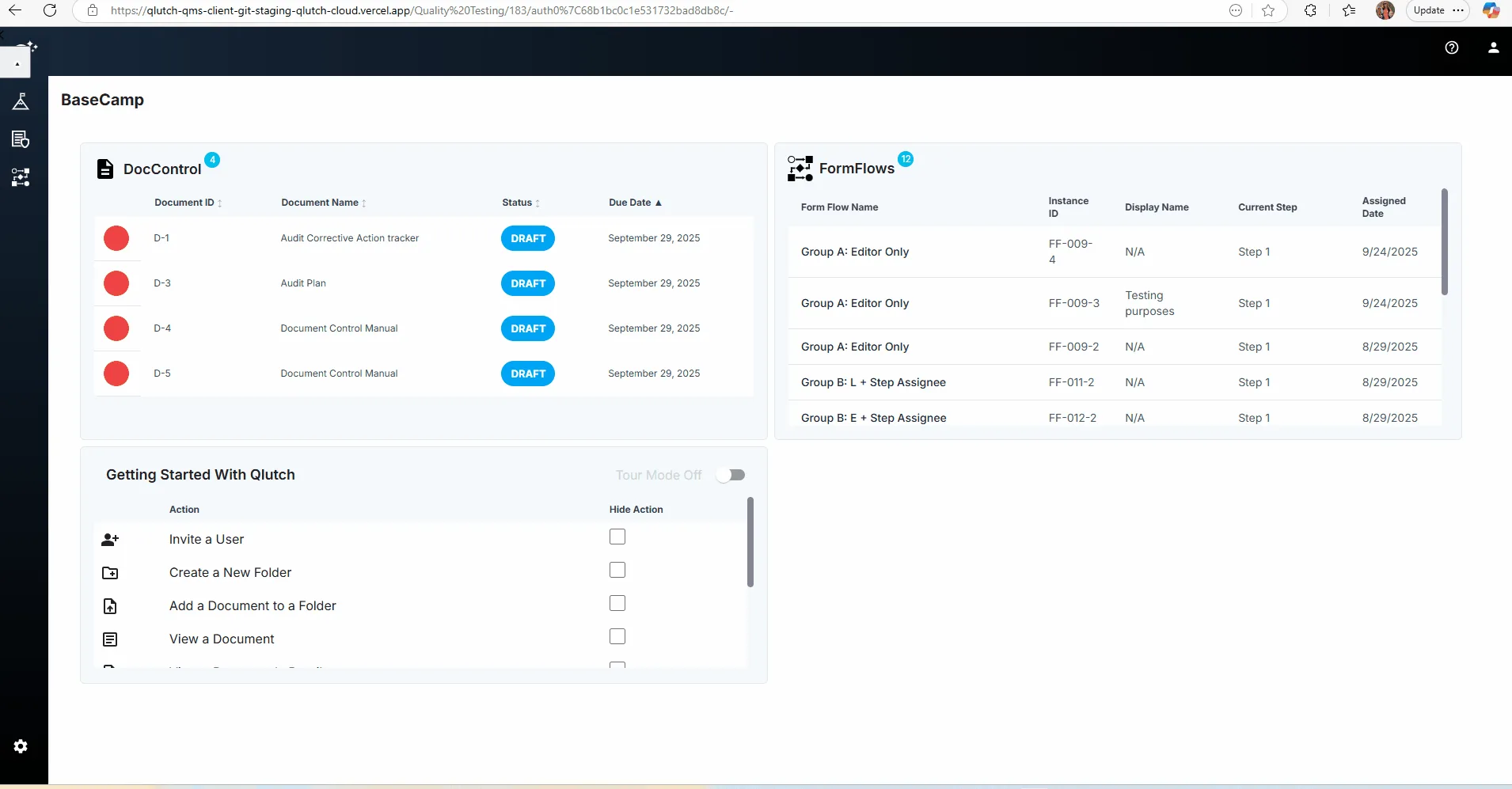
From the left‑hand navigation, click FormFlows.
If your account has not enabled FormFlows yet, you’ll need to activate a free trial or purchase a license via the Admin > App Manager tab before you can access it (see the “Create a FormFlow Template” article for details).
2. Click "Create a FormFlow"
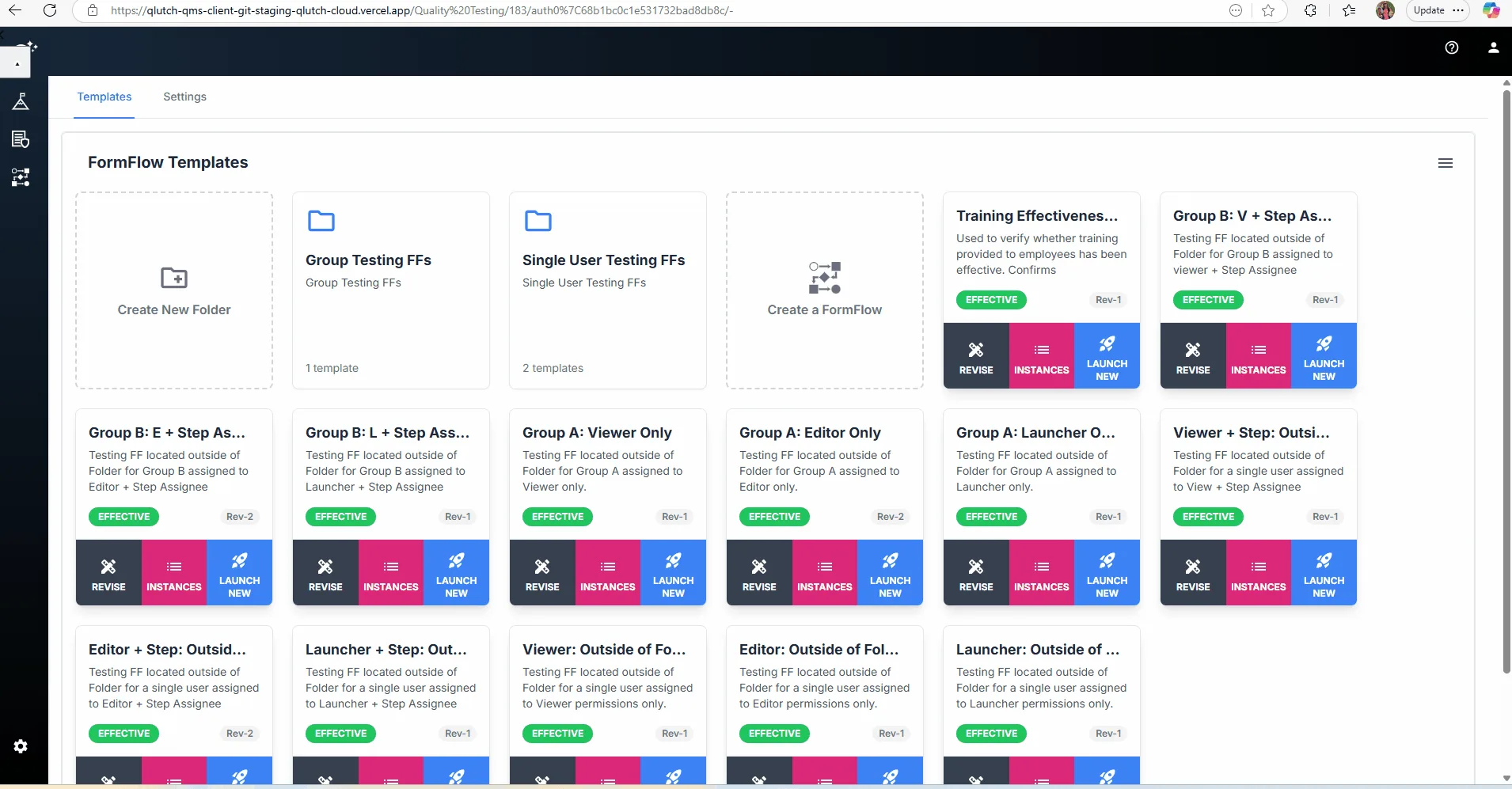
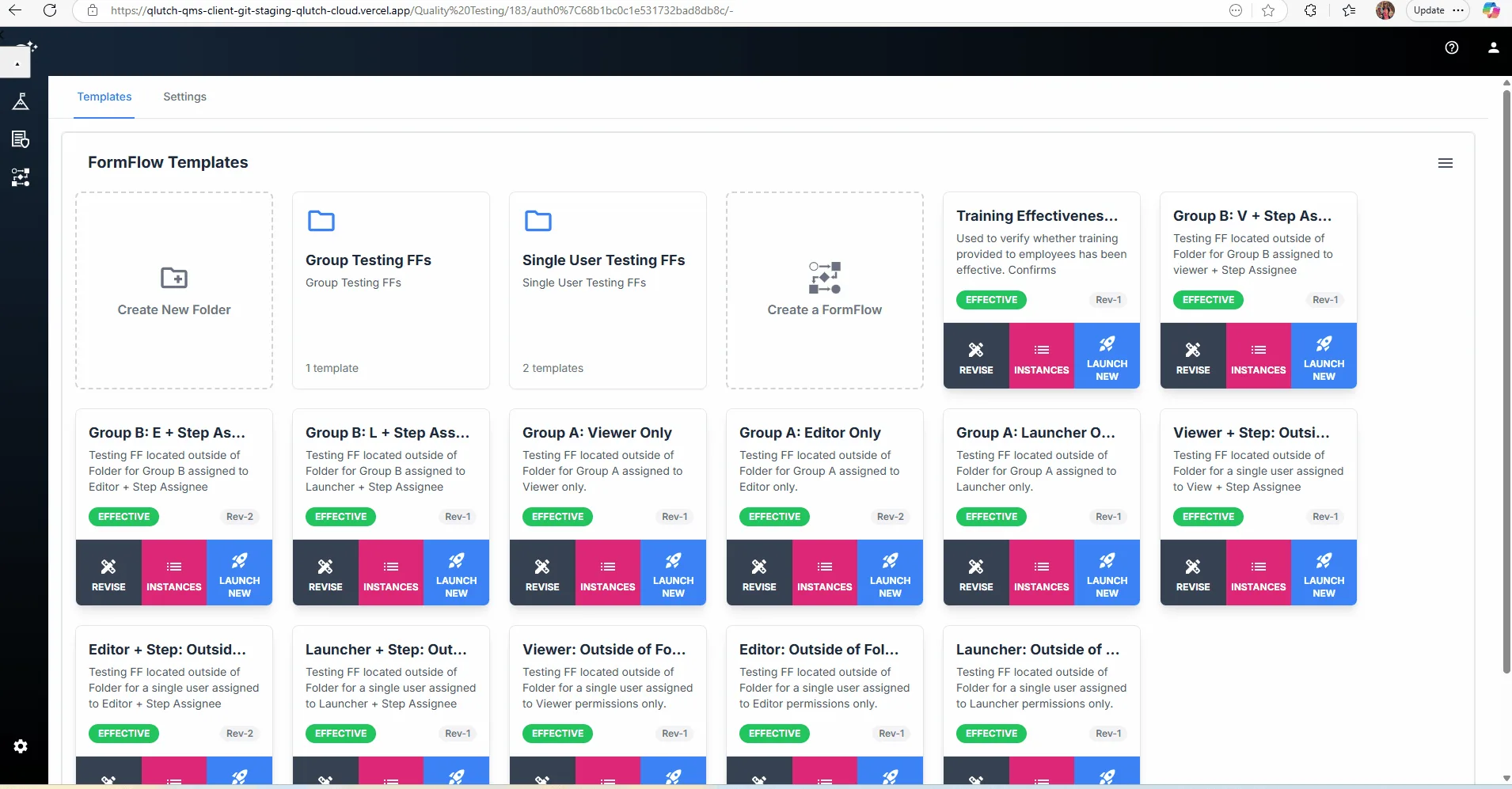
Select the Create a FormFlow card.
Or Select Create a FormFlow from the Hamburger Menu.
3. Browse the Prebuilt Templates Panel
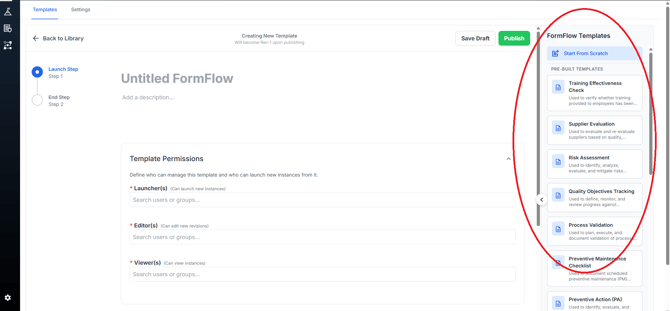
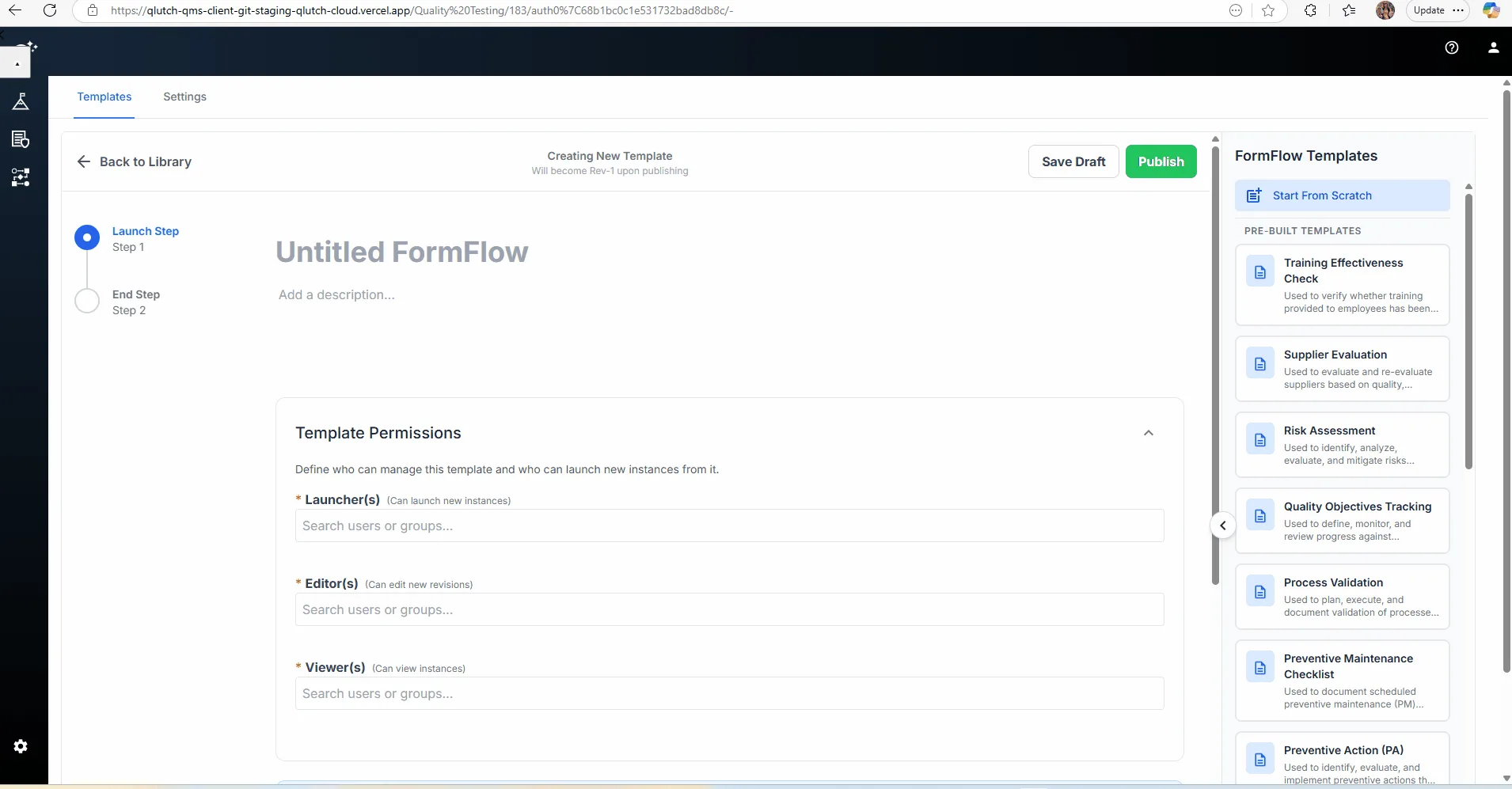
The FormFlow Templates panel is located on the right-hand side of the page.
At the top you can still Start From Scratch if you want a blank form. Below that is a list of pre‑built templates such as Training Effectiveness Check, Supplier Evaluation, Risk Assessment, Quality Objectives Tracking, Process Validation and more (20 in total).
Scroll to browse or use the search bar to find a template that matches your process.
4. Select a Template to Auto-Build Your Steps
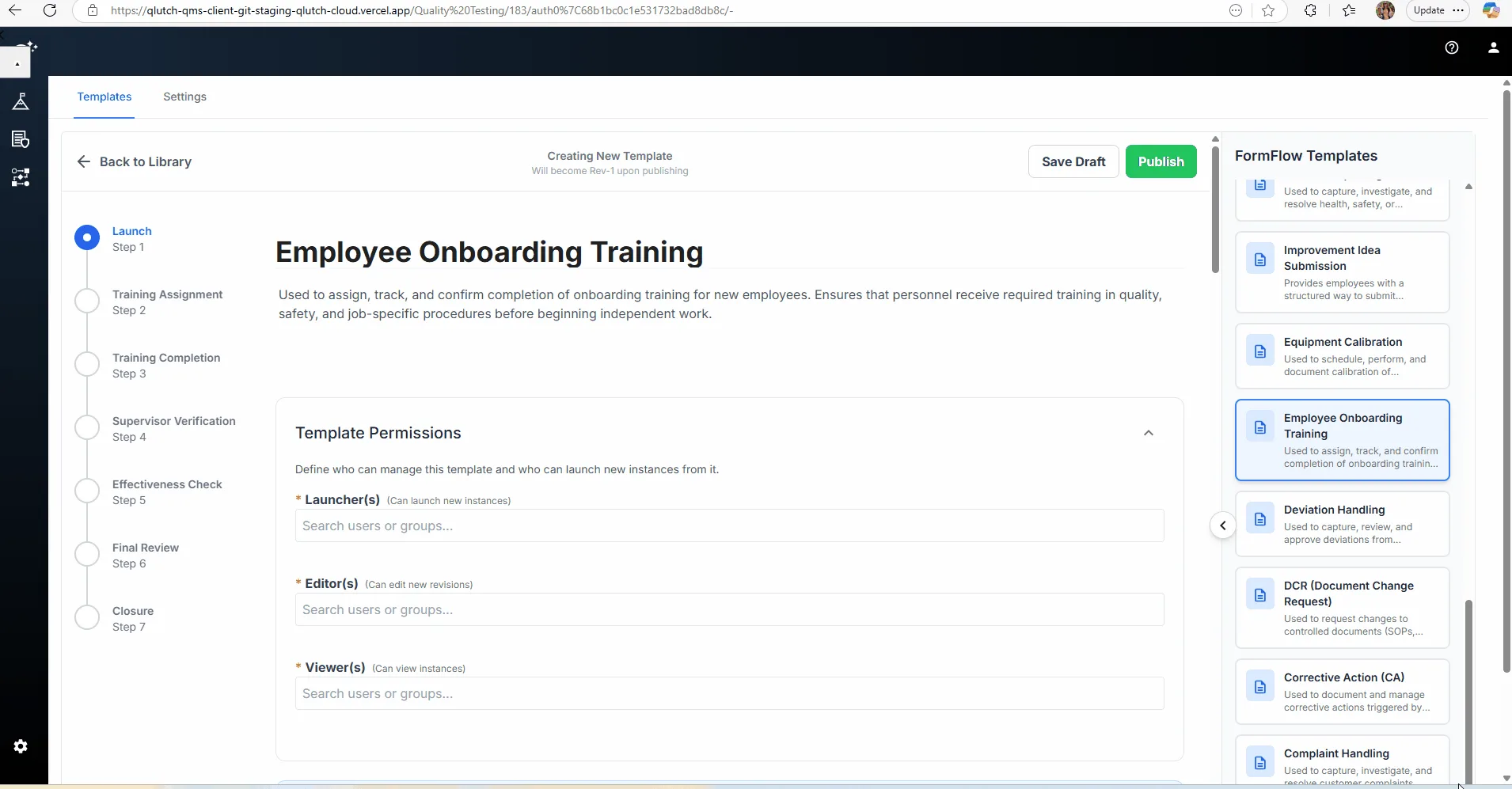
Click the template name. The builder will instantly populate a sequence of steps and fields into the workflow.
5. Customize Step Names, Fields and Assignments
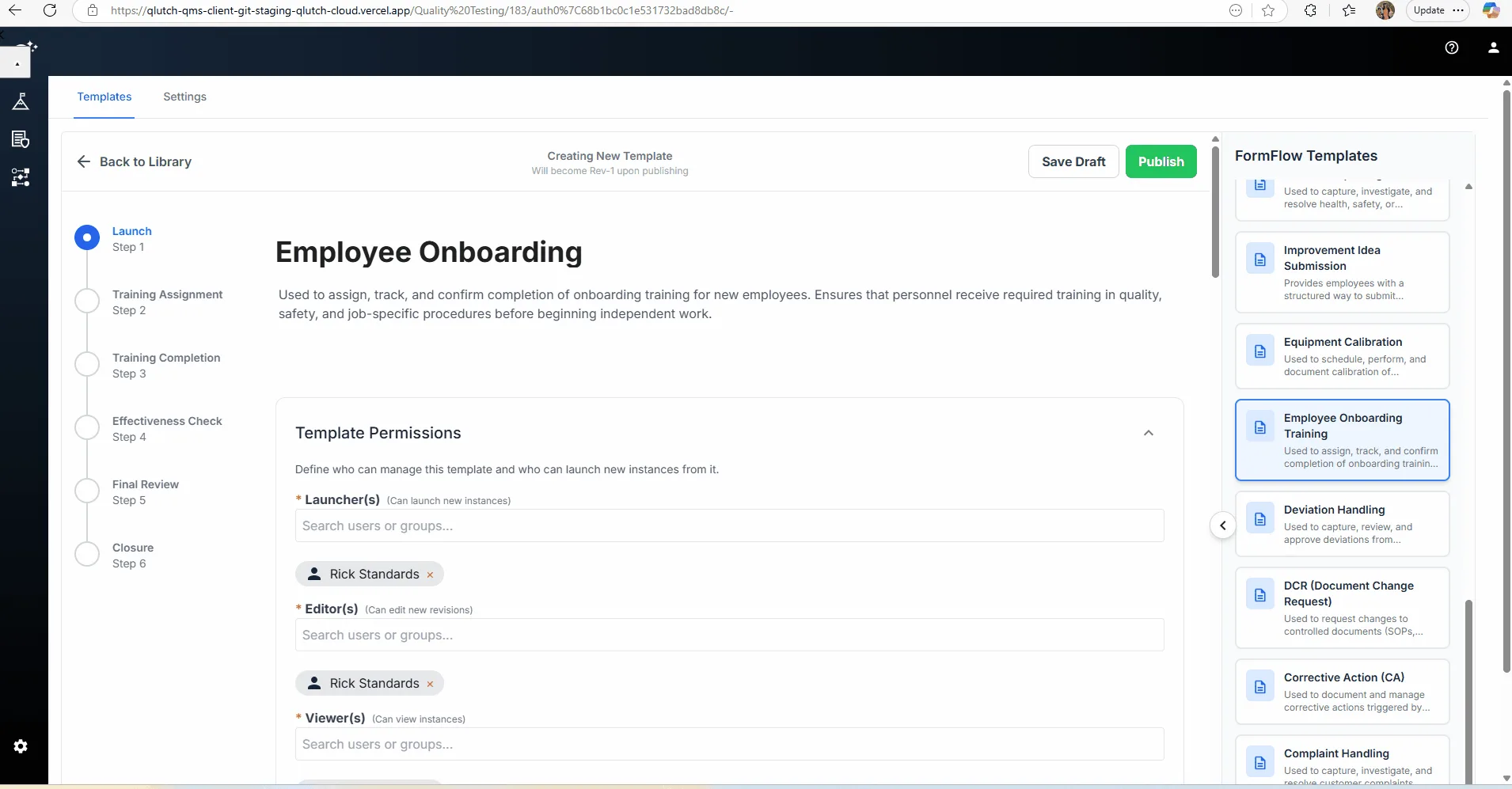
You can edit any step title, description or field just as you would when building from scratch.
Add or remove steps, change field types, and set Launchers, Editors, Viewers and Step Assignees to control who can launch, edit, view and complete steps.
If you wish to start over, select Start From Scratch and the workflow will reset to a blank template.
6. Save, Publish and Reuse
Click Save Draft at any point to preserve your changes.
When your template is ready, click Publish. The new FormFlow will now appear in your template library, ready to launch.
Tips
Prebuilt templates are meant to accelerate setup. Use them as a starting point and tailor the steps to your organization’s needs.
The number of templates will continue to grow. Check back regularly for new industry‑specific workflows.