Learn how Admins can use the Make Effective Now feature in Qlutch to immediately transition a Document from Published to Effective status, bypassing the standard waiting period to accelerate controlled Document implementation.
Guide date: 2025-09-04
Admins have the ability to use the Make Effective Now feature in Qlutch to immediately move a Document from Published to Effective status. Follow these simple steps to accelerate Document activation and ensure your controlled Documents are available without delay.
1. Confirm the Document is Published:
Ensure that the Document has successfully completed its Approval process and is now in the Published state.
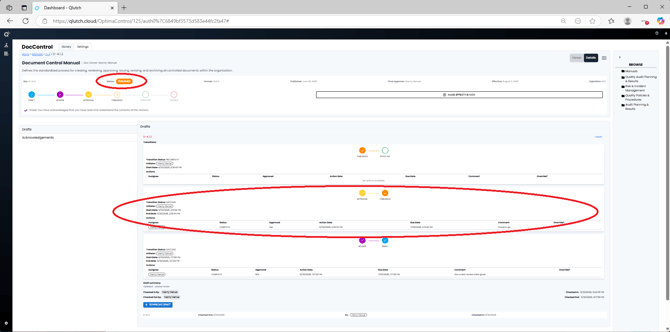
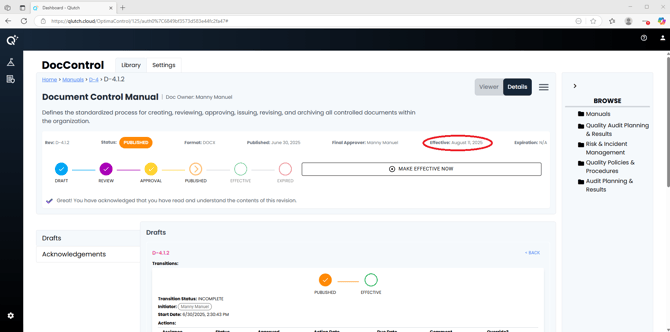
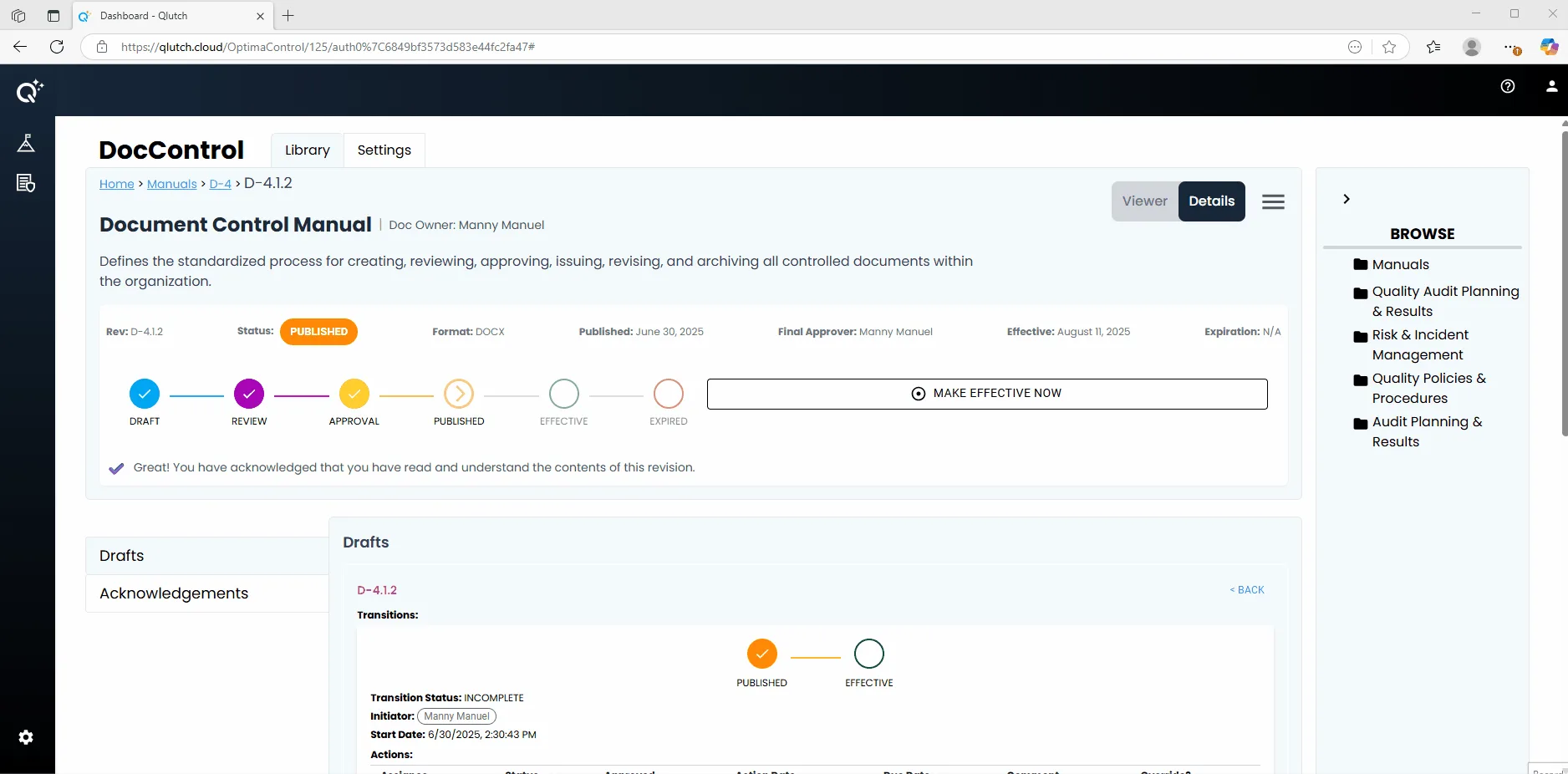
You’ll see the Status highlighted as PUBLISHED and the workflow indicator will show the progress up to this point.
2. Force Document as Effective:
Click the Make Effective Now button located in Document Information Revision section.
This action will immediately transition the Document from Published to Effective status, bypassing any remaining waiting period that was set.
3. Verify the Effective Status:
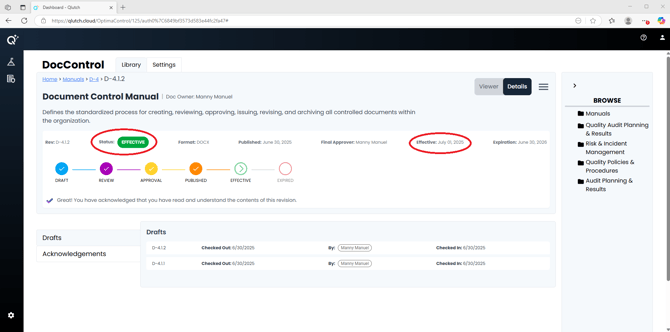
Once processed, the Document’s Effective date will update, and the status indicator will move to Effective, confirming that the Document is now active and enforceable within your system.