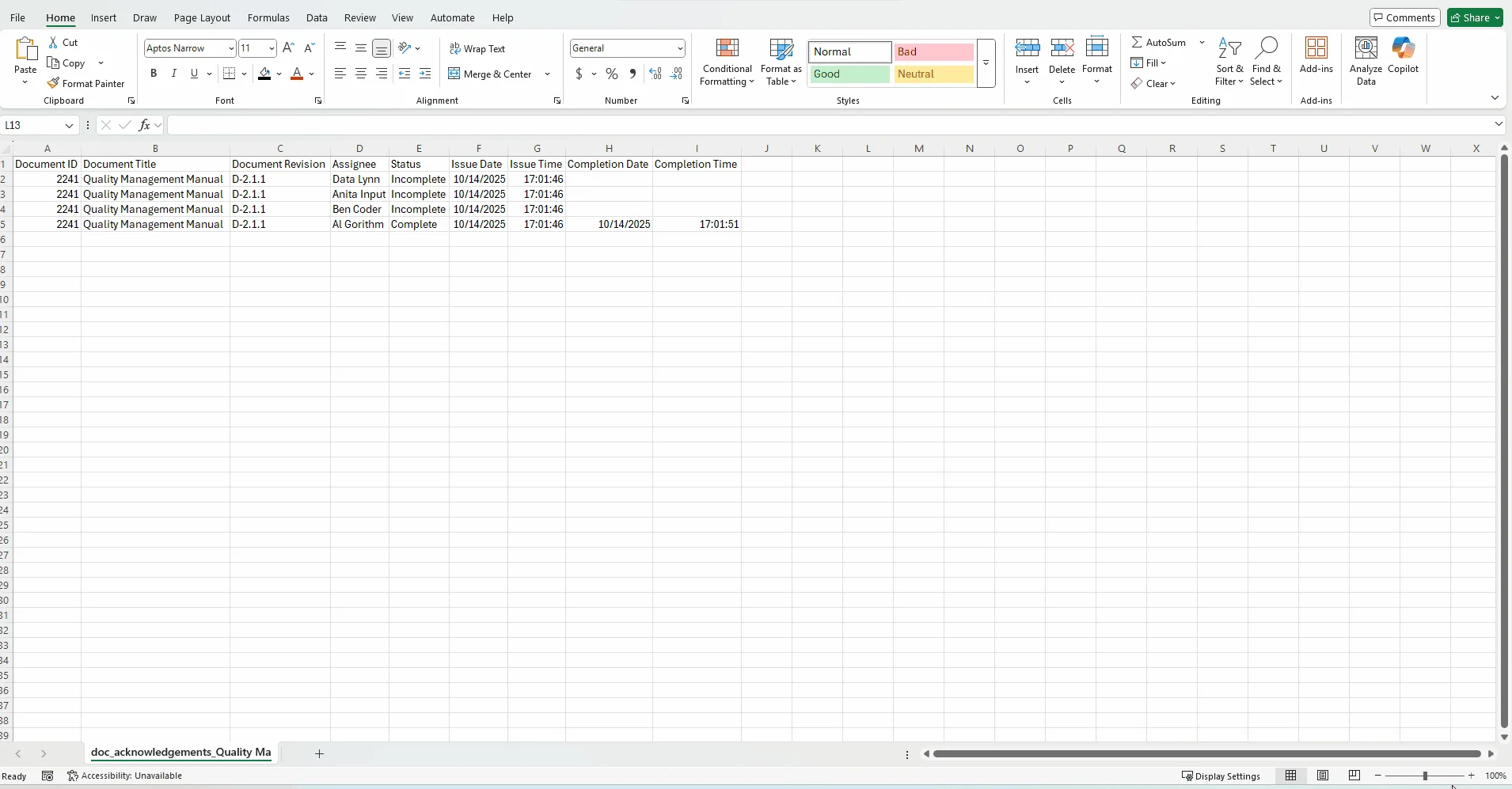
Learn how to export the acknowledgement log for any controlled document in DocControl. This article walks through accessing the Acknowledgements section and using the “Export Acknowledgements” button to generate an Excel file.
Guide date: 2025-10-14
Easily download an Excel file of all document acknowledgement records for reporting and compliance.
1. Open the desired document in DocControl
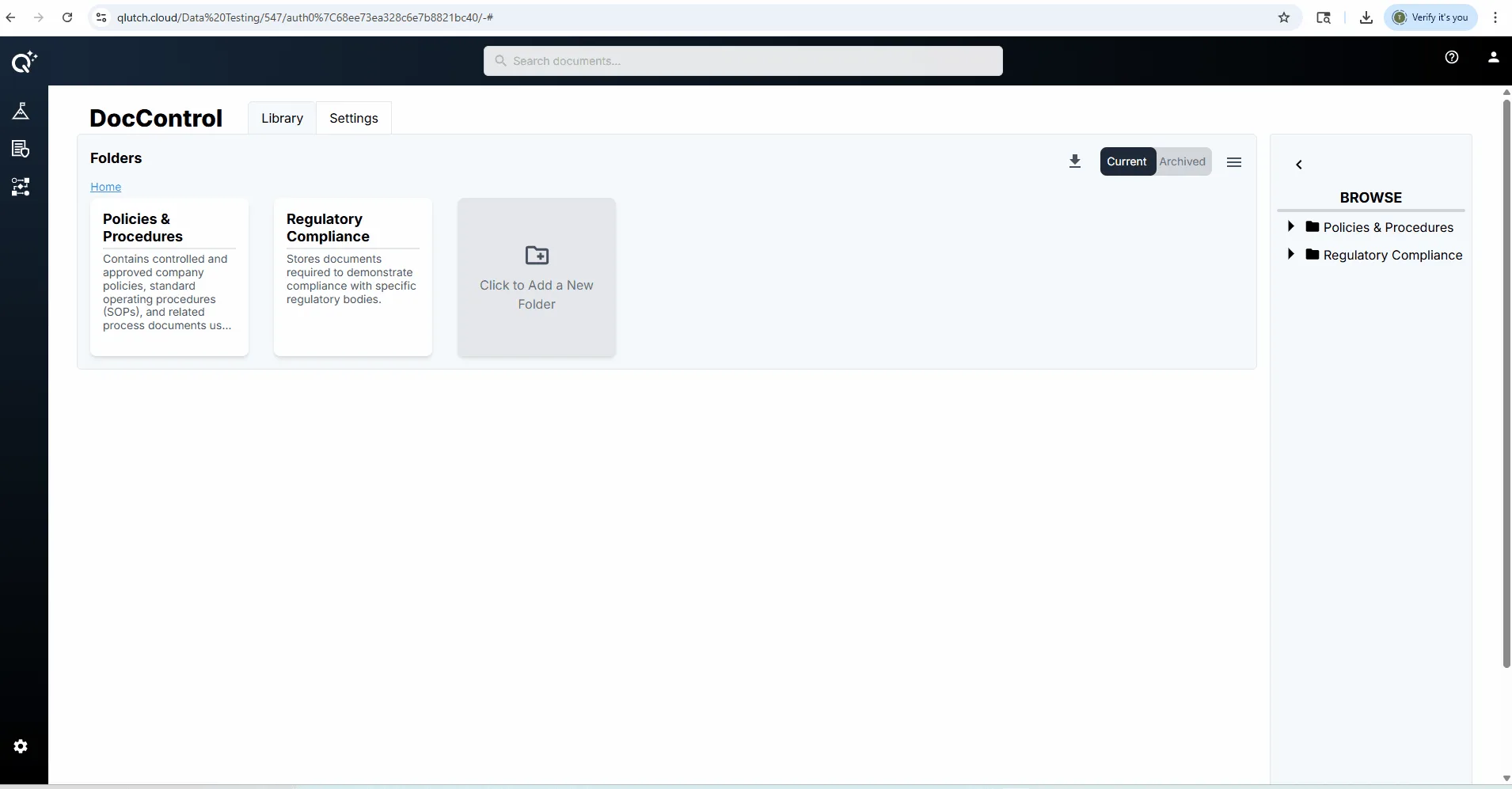
Locate the folder where your desired document is stored.
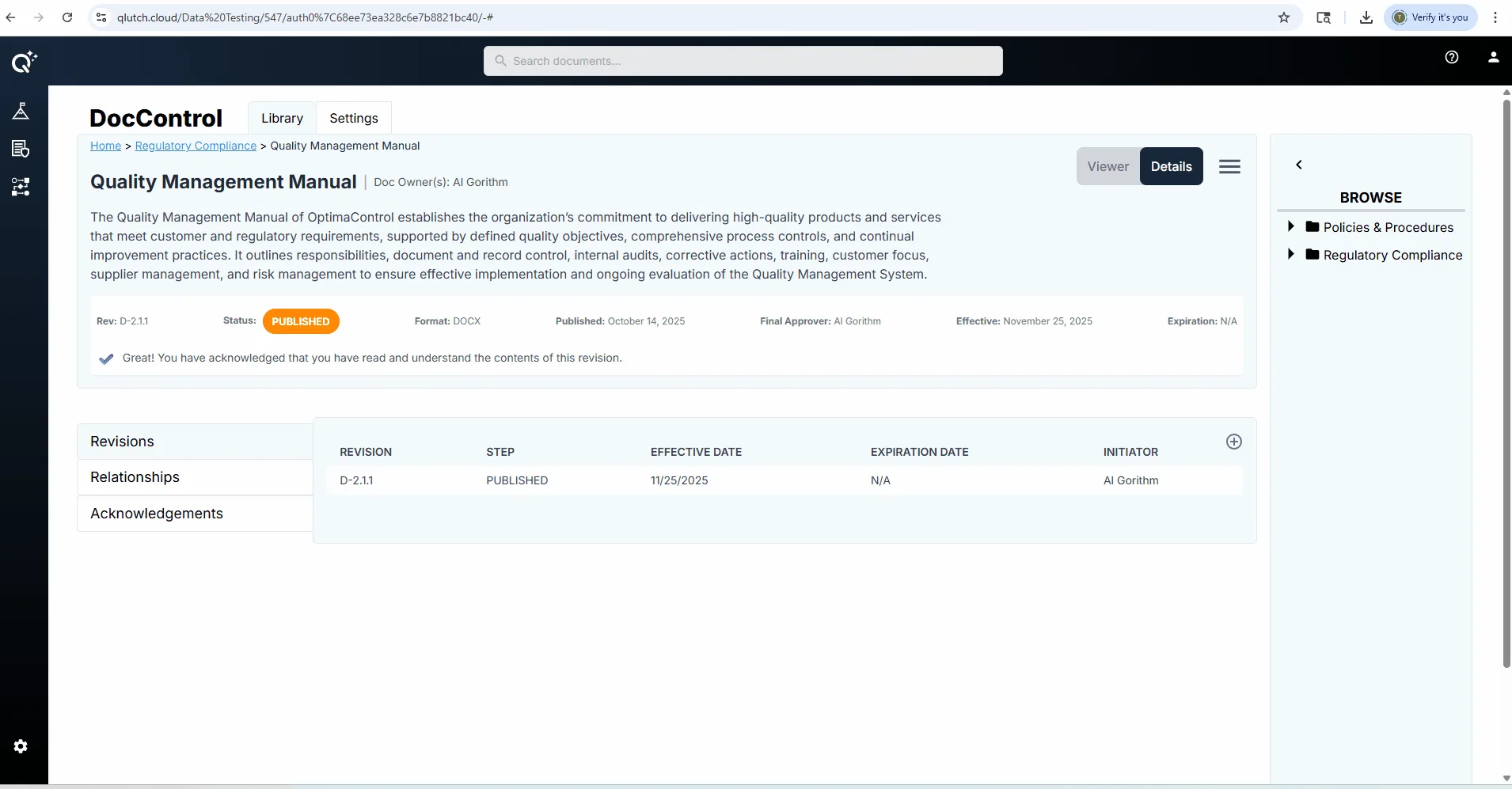
Click on the desired document, then toggle from "Viewer" to "Details".
2. Navigate to the Acknowledgements section
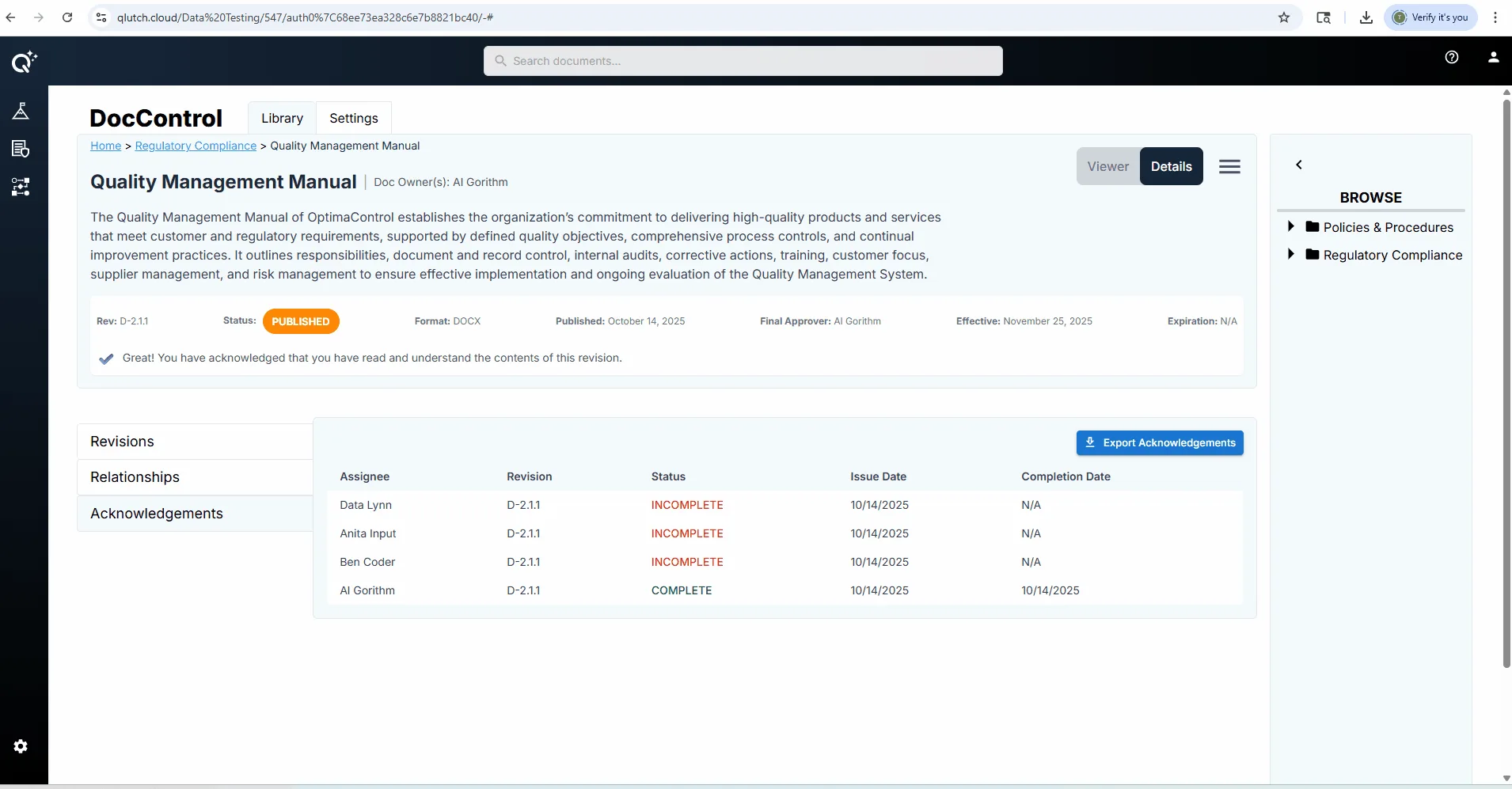
Click into the Acknowledgements section.
Here, you can see each user assigned to acknowledge the document, along with their status (complete/incomplete).
3. Click "Export Acknowledgements"
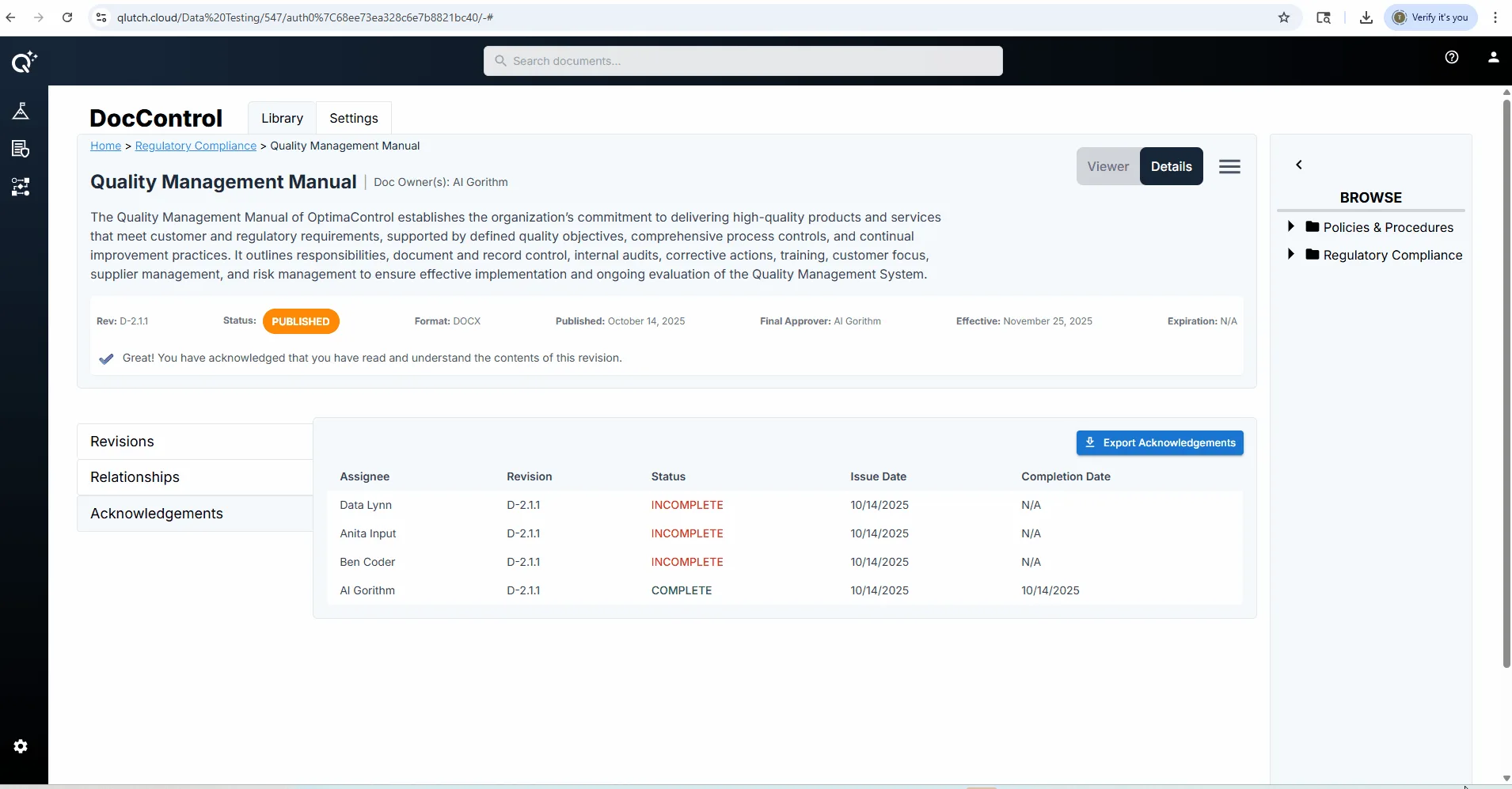
Select the blue button labeled "Export Acknowledgements" to download an .xlsx file containing all acknowledgement data for the current document.
4. Open the downloaded Excel file
Locate the file in your downloads folder.
Open the file to review the acknowledgement records.
5. Use the data for audits and reporting
Each row in the spreadsheet represents a single acknowledgement action.
You can sort or filter by assignee, status, or date to track who has completed their acknowledgement and when.