Learn how to create a new folder in the FormFlows app to better organize your templates. Step-by-step instructions with visuals included.
Guide date: 2025-09-05
Organize your FormFlow templates with folders designed for specific processes, teams, or compliance categories—learn how to create them in just a few clicks.
Creating folders in the FormFlows app is a simple and effective way to organize your templates by department, process type, compliance function, or project. This helps teams quickly locate and manage FormFlows in a structured, scalable way.
Option 1: Create a Folder from the Templates Page
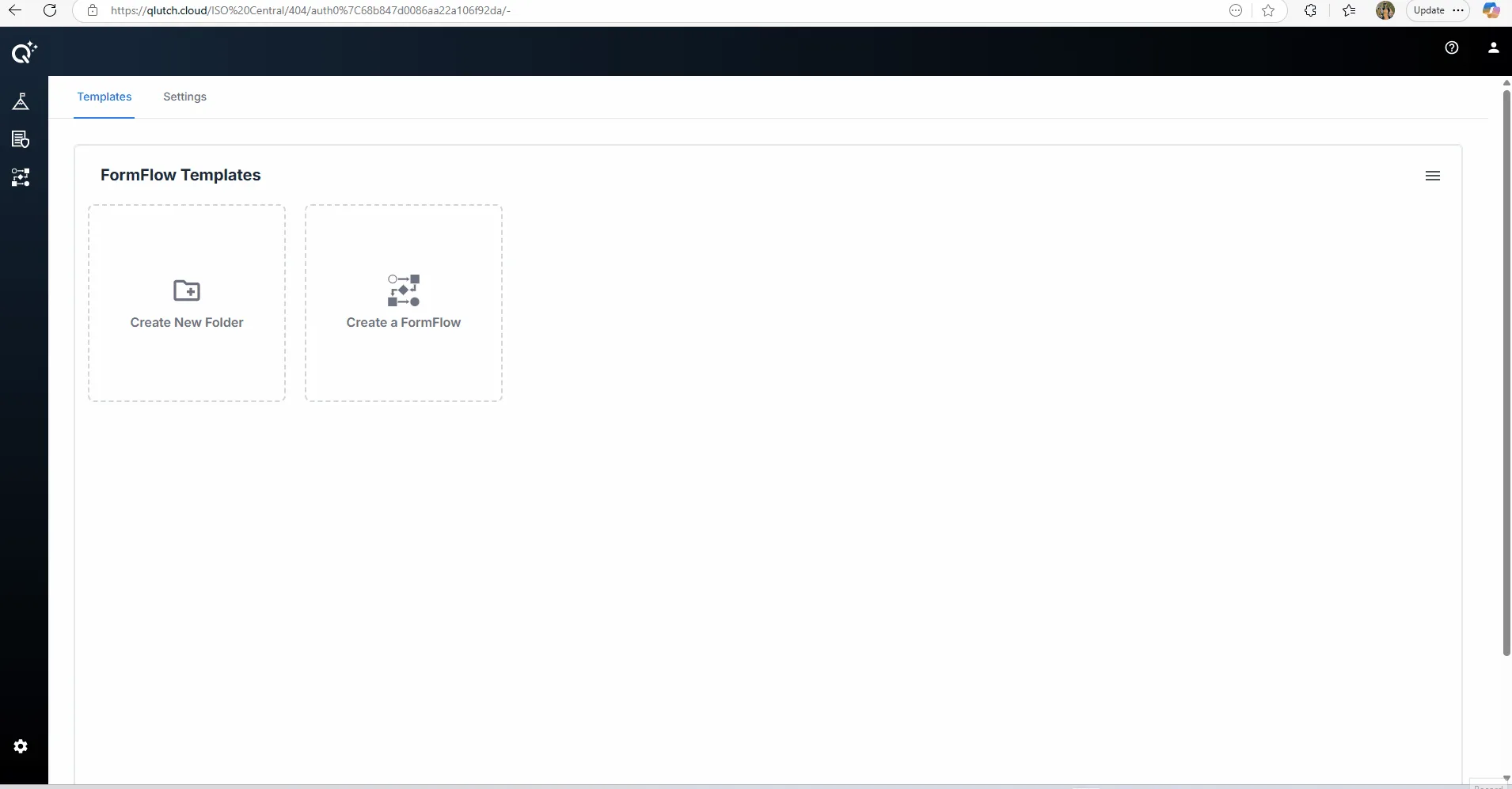
This is the most direct method, shown immediately when you enter the FormFlow Templates section.
1. Click "Create New Folder":
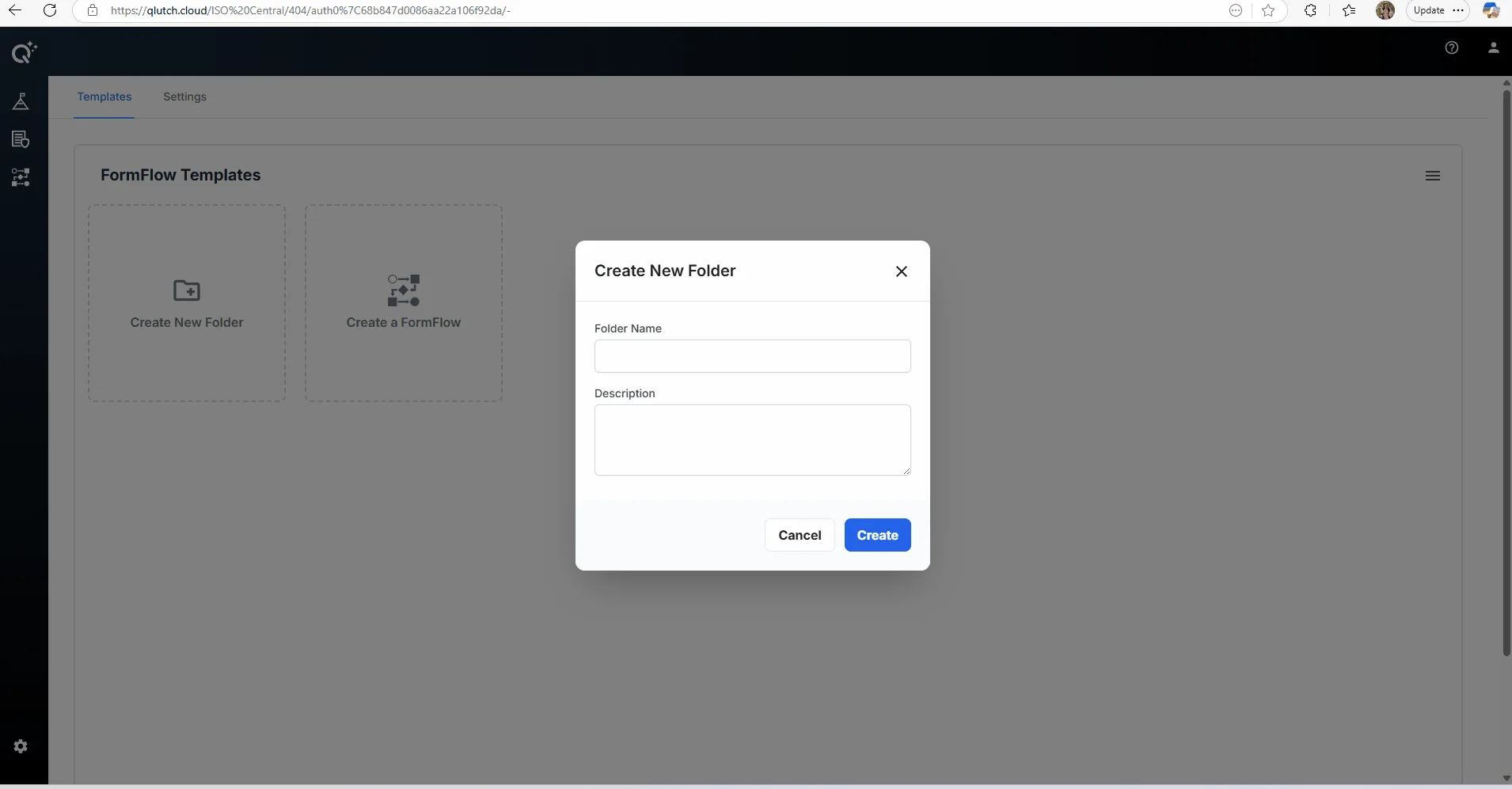
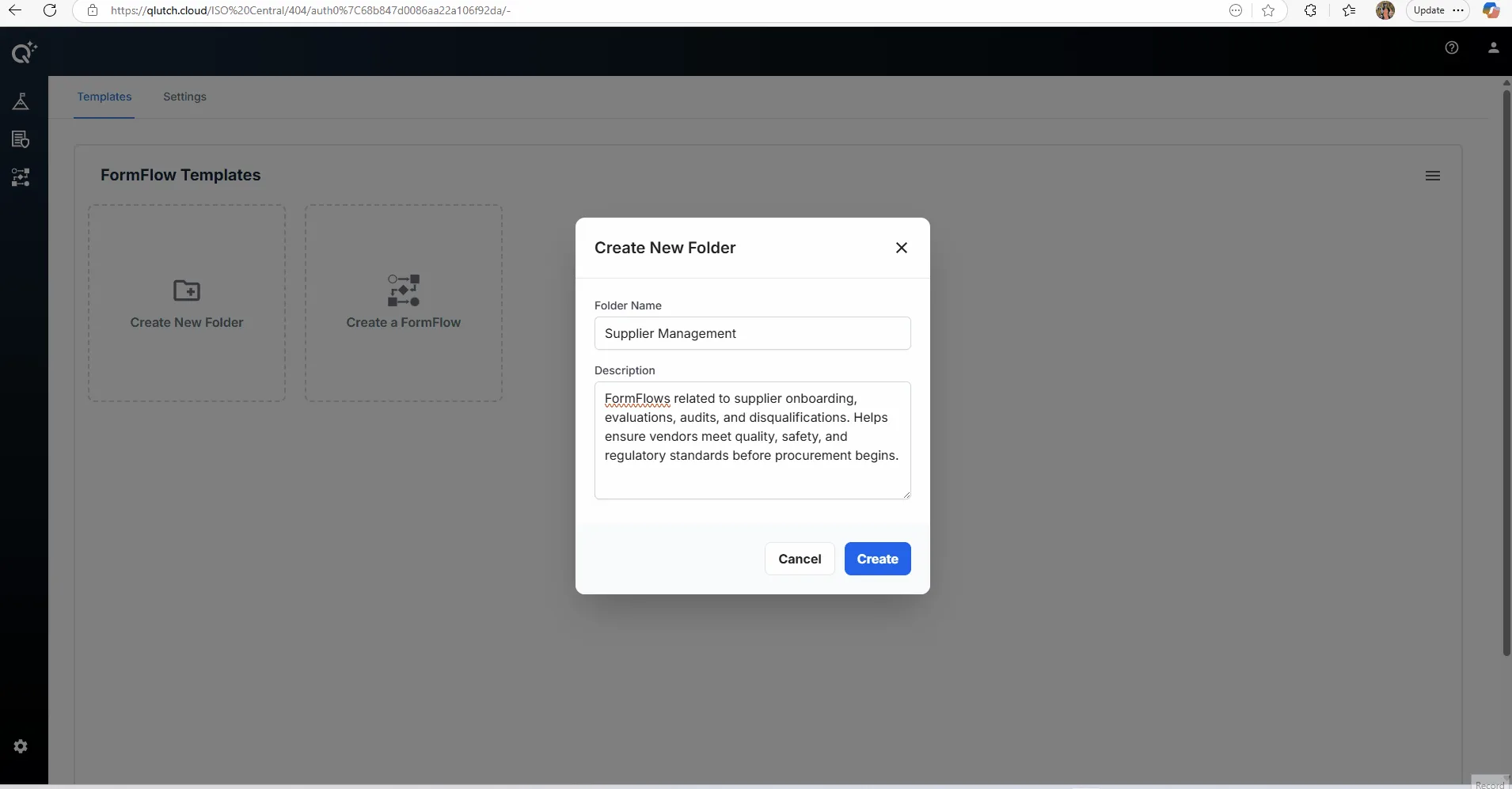
2. Enter Folder Details:
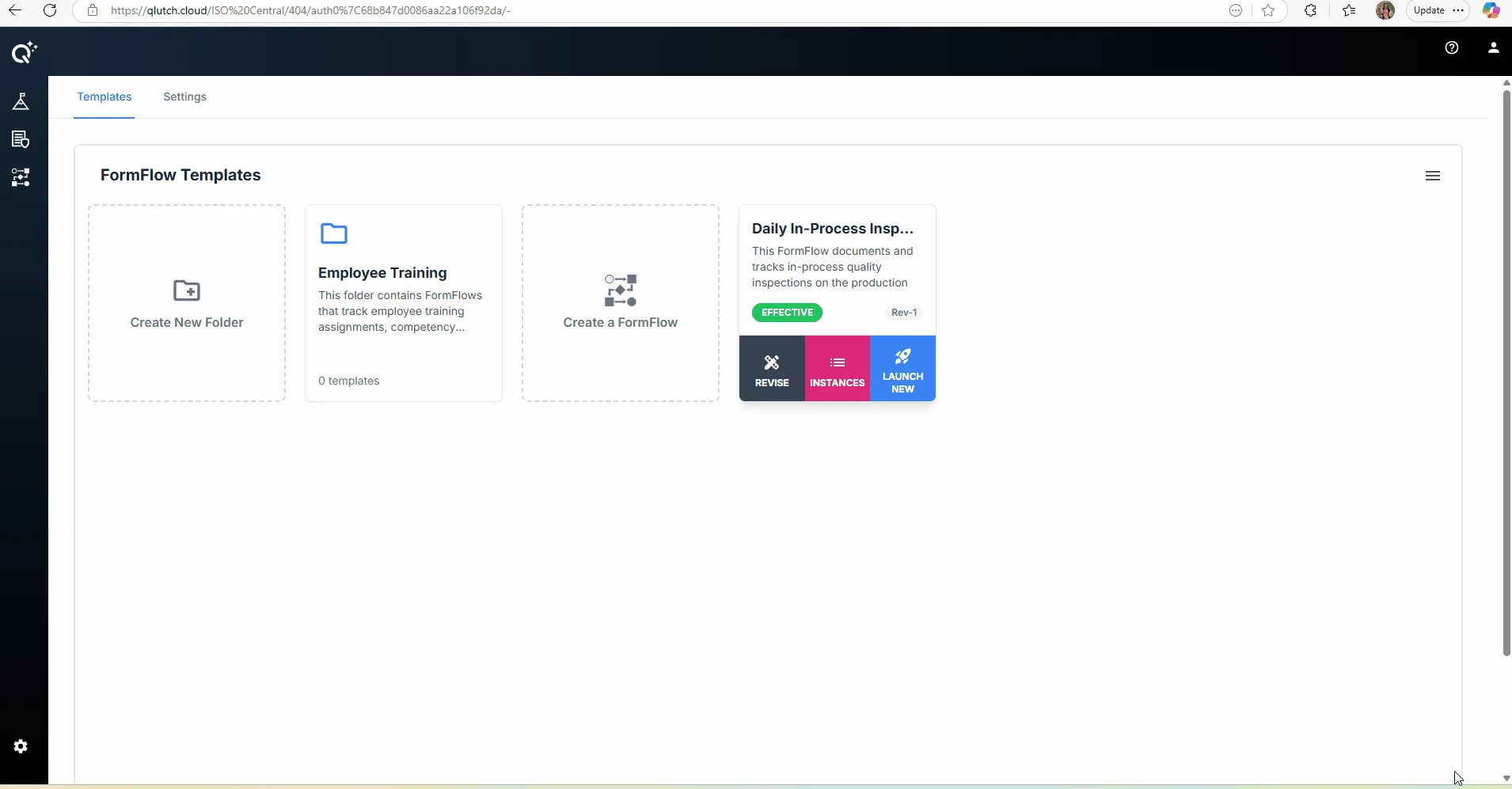
3. Click "Create":
Option 2: Create a Folder from the Hamburger Menu
1. Click the Hamburger Menu icon in top right corner