1. Locate the Browse Tree pane by navigating to the right-hand side of the DocControl app.
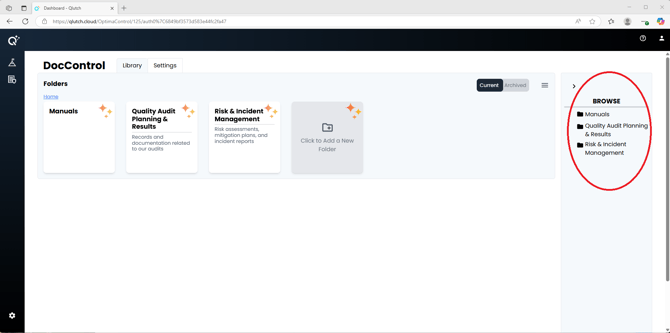
2. View the Full Folder Structure.
- The Browse Tree displays your organization's entire Folder hierarchy. As new Folders are created, they are automatically added to this view.
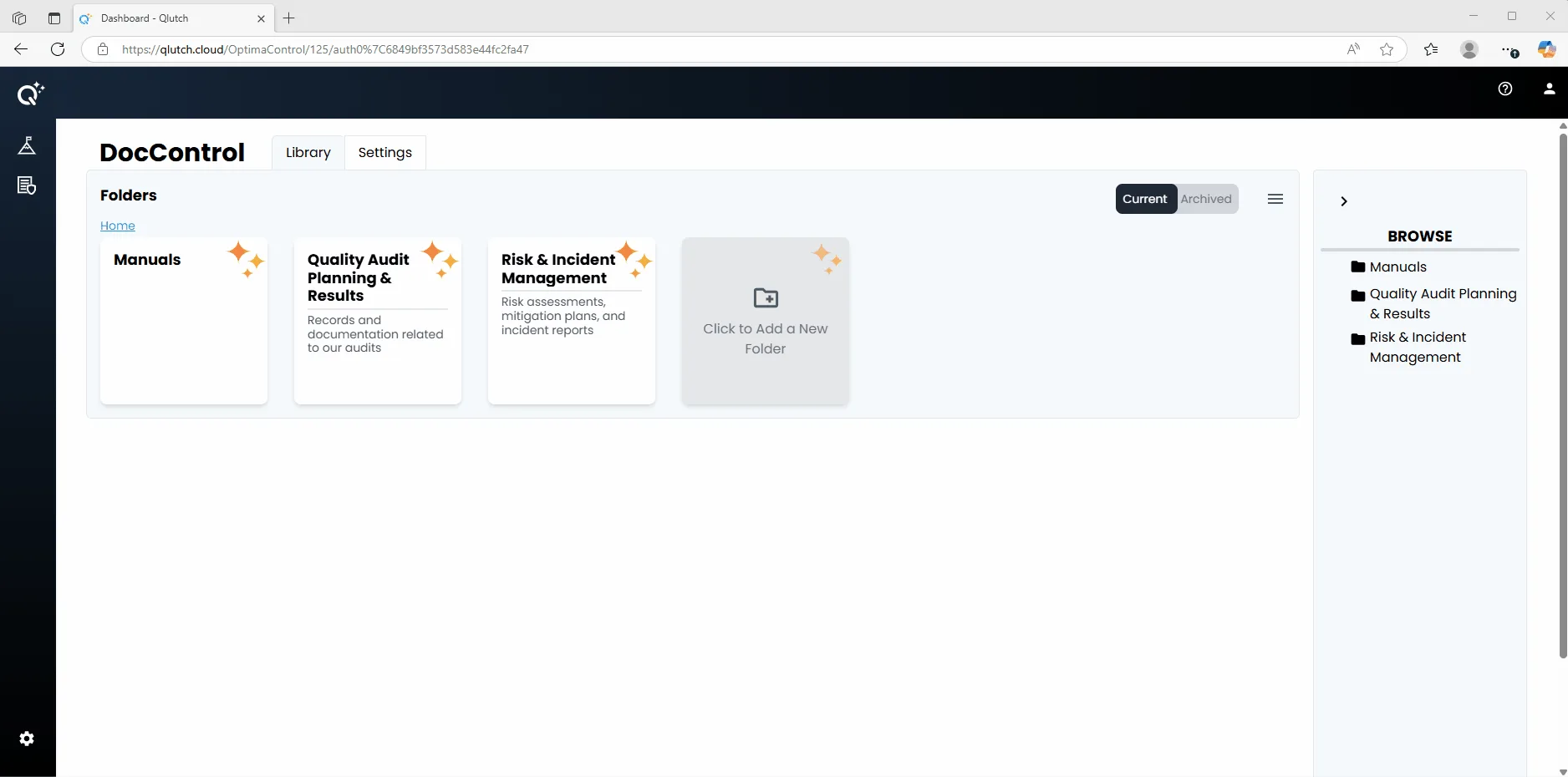
3. Navigate Between Folders.
- Click on any Folder icon within the Browse tree to quickly move from Folder to Folder.
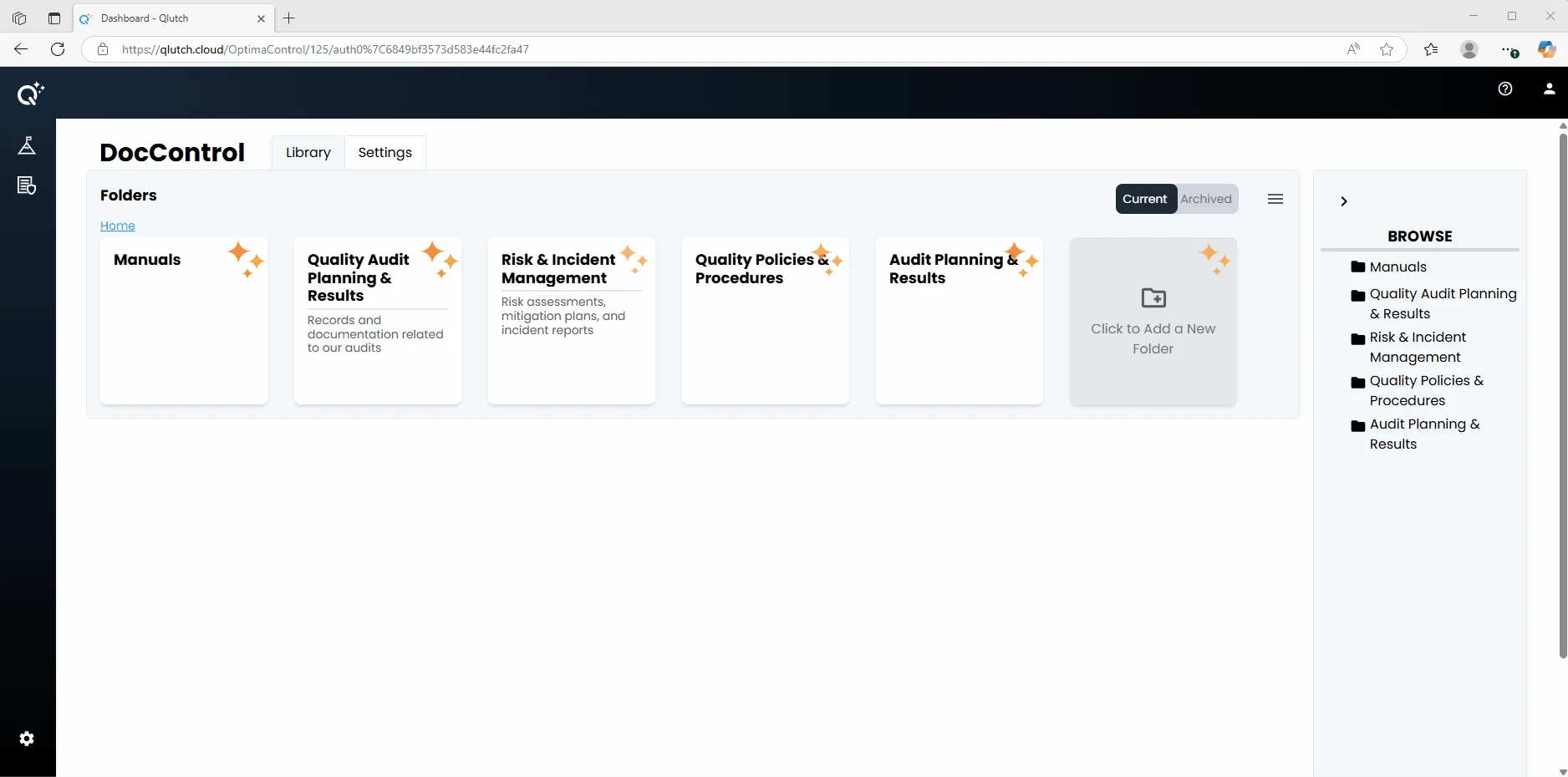
**Note: The Browse Tree is visible to all Users in your organization, allowing everyone to understand how content is structured. However, this pane displays only Folders—not Documents. When you click a Folder from the Browse Tree, it will open and display only the Documents and Subfolders that the User has permission(s) to.