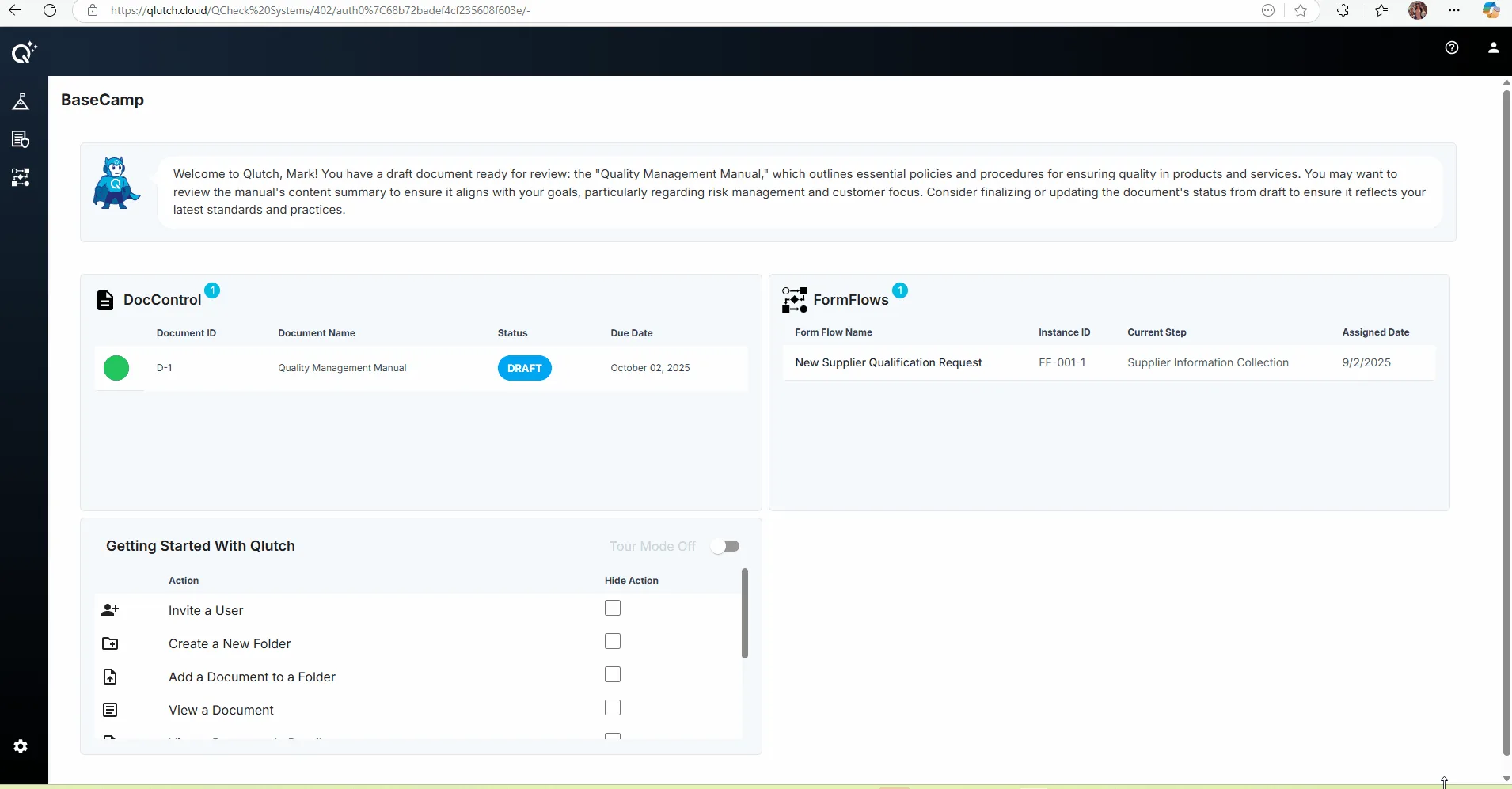
This visual guide outlines the two key action windows in Basecamp: DocControl and Getting Started with Qlutch. It explains how users can access and complete assigned tasks, including onboarding steps and documentation reviews. The guide highlights task visibility, self-guided onboarding, and customization options for displaying action items.
Guide date: 2025-09-02
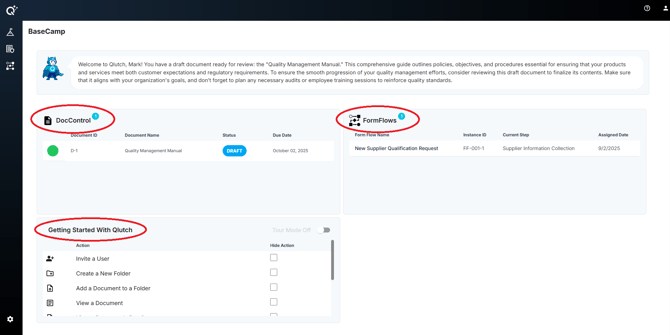
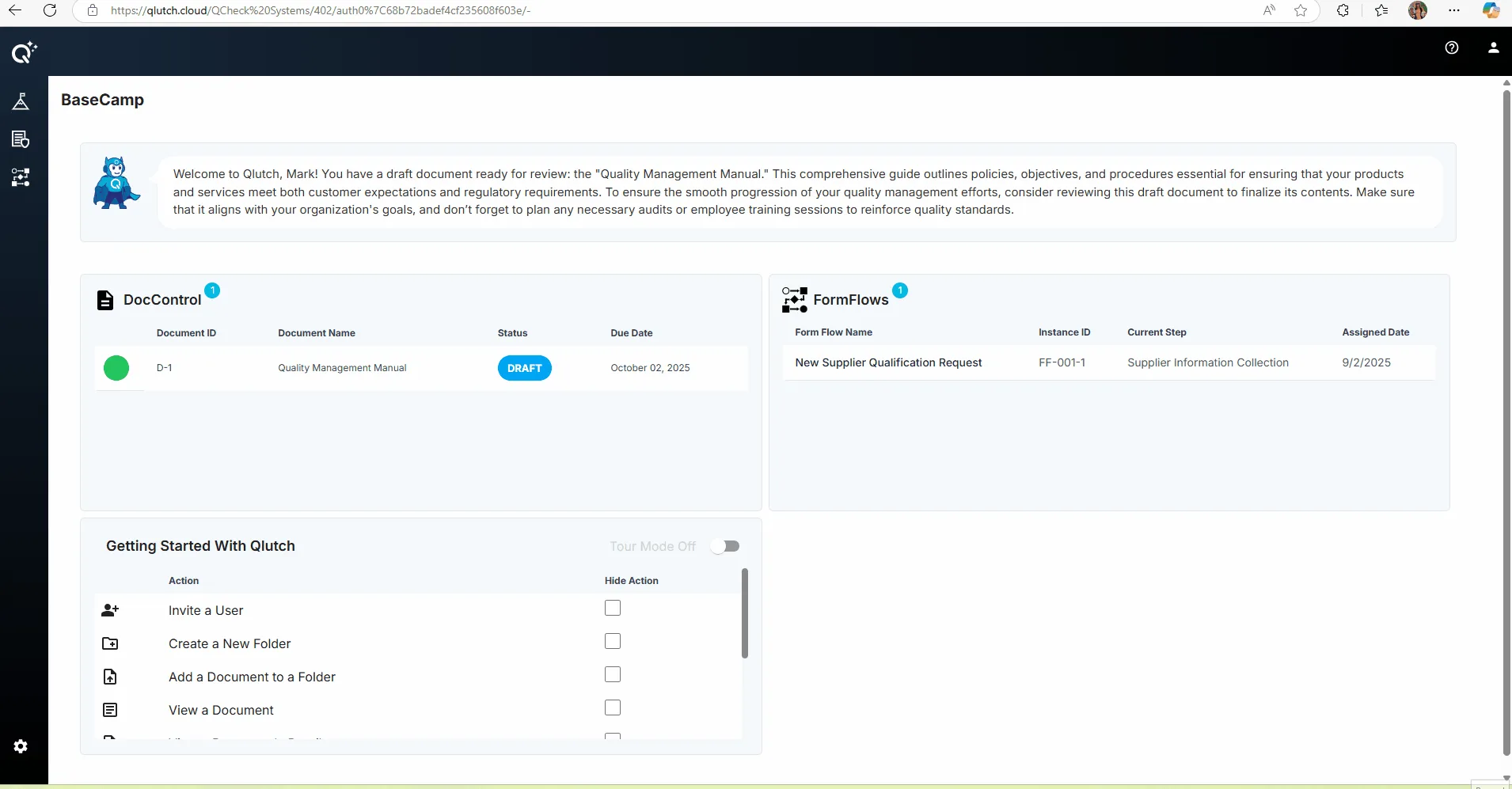
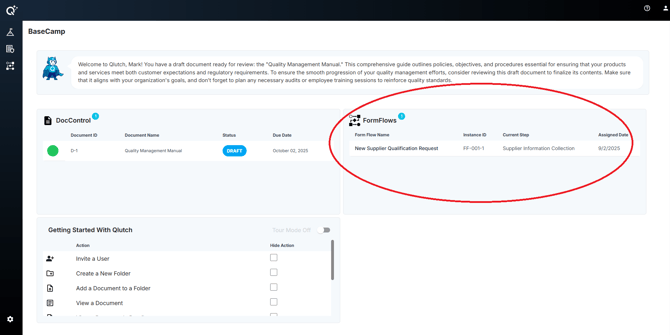
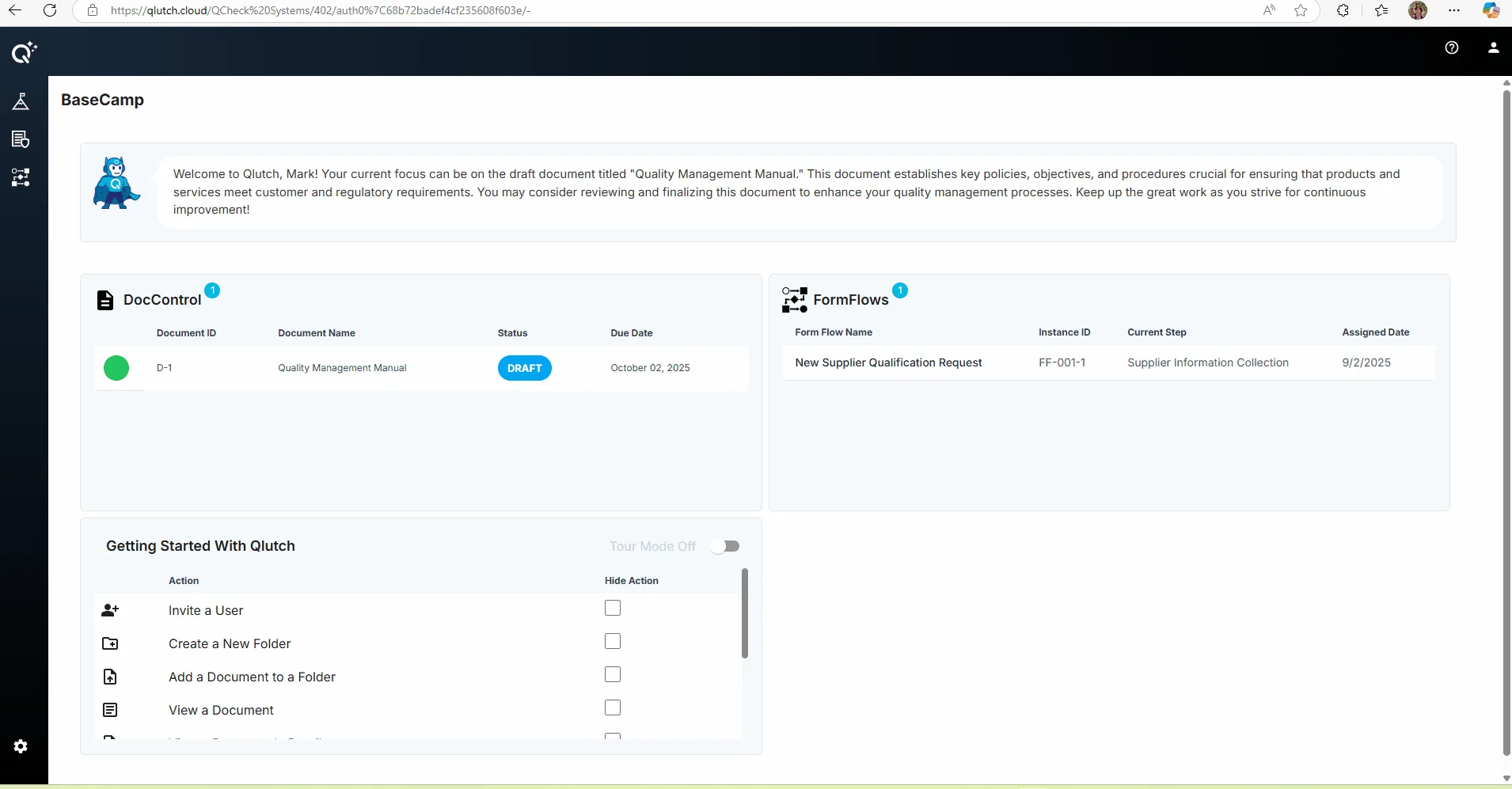
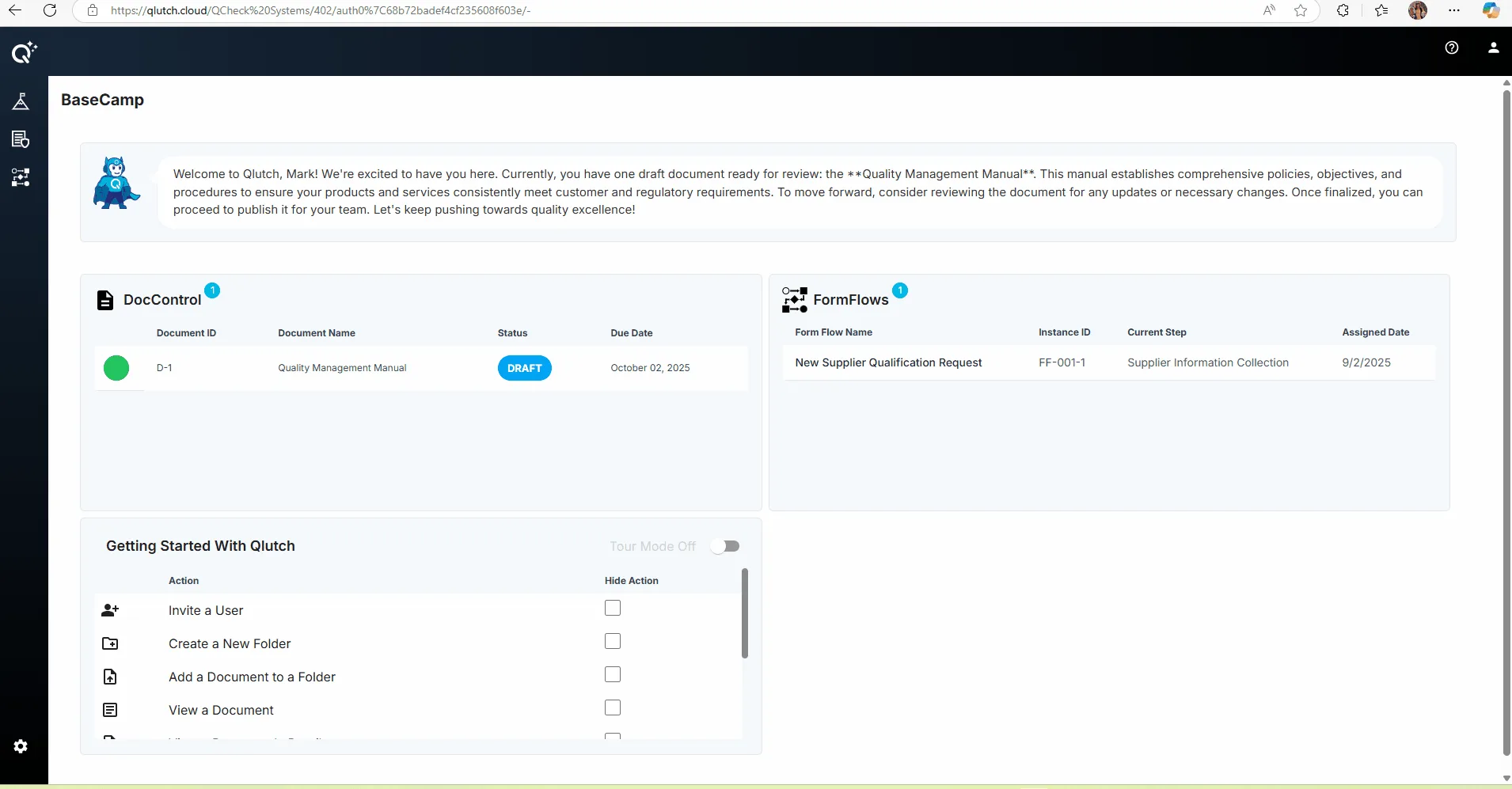
BaseCamp features three Action Windows: DocControl, FormFlows, and Getting Started with Qlutch.
There are three Action Windows located in BaseCamp:
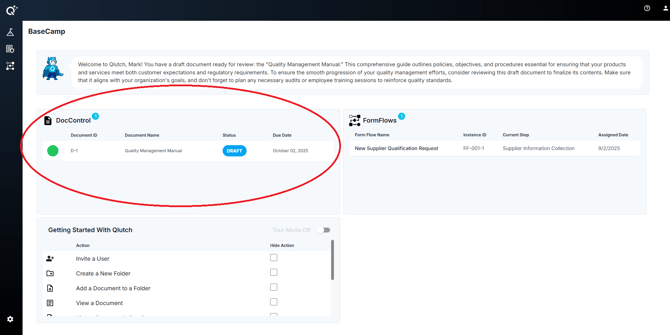
1. DocControl:
Simply click on the task listed to access and complete what is required. Note that this section will be empty if there aren't any tasks assigned for completion.
2. FormFlows:
Simply click on the task listed to access and complete what is required. Note that this section will be empty if there aren't any tasks assigned for completion.
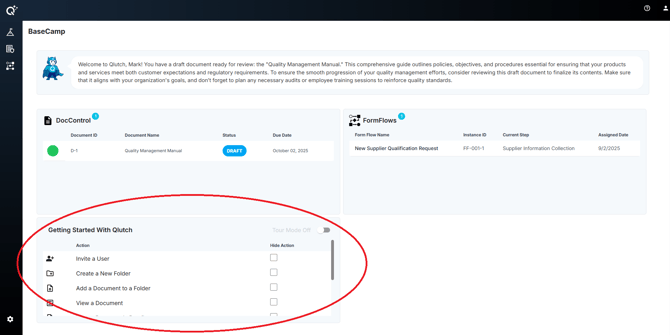
3. Getting Started with Qlutch:
This is essentially your quick launch self-guided onboarding. Simply click on a task listed to access and complete what is required.
You are able to keep these items to use indefinitely, or you can check these items off as you complete them, so that they no longer appear.